
Purchases in Cybooks
Open the permission-gated Bills workspace without changing a purchase document.
Purchases opens on the Bills list. Other Purchases workflows cover vendors, vendor credits, expense claims, possible subscriptions, the document inbox, and bill payments.
Open Purchases
- Open Expenses.
- Select Bills.
- Confirm that the Bills list is visible.
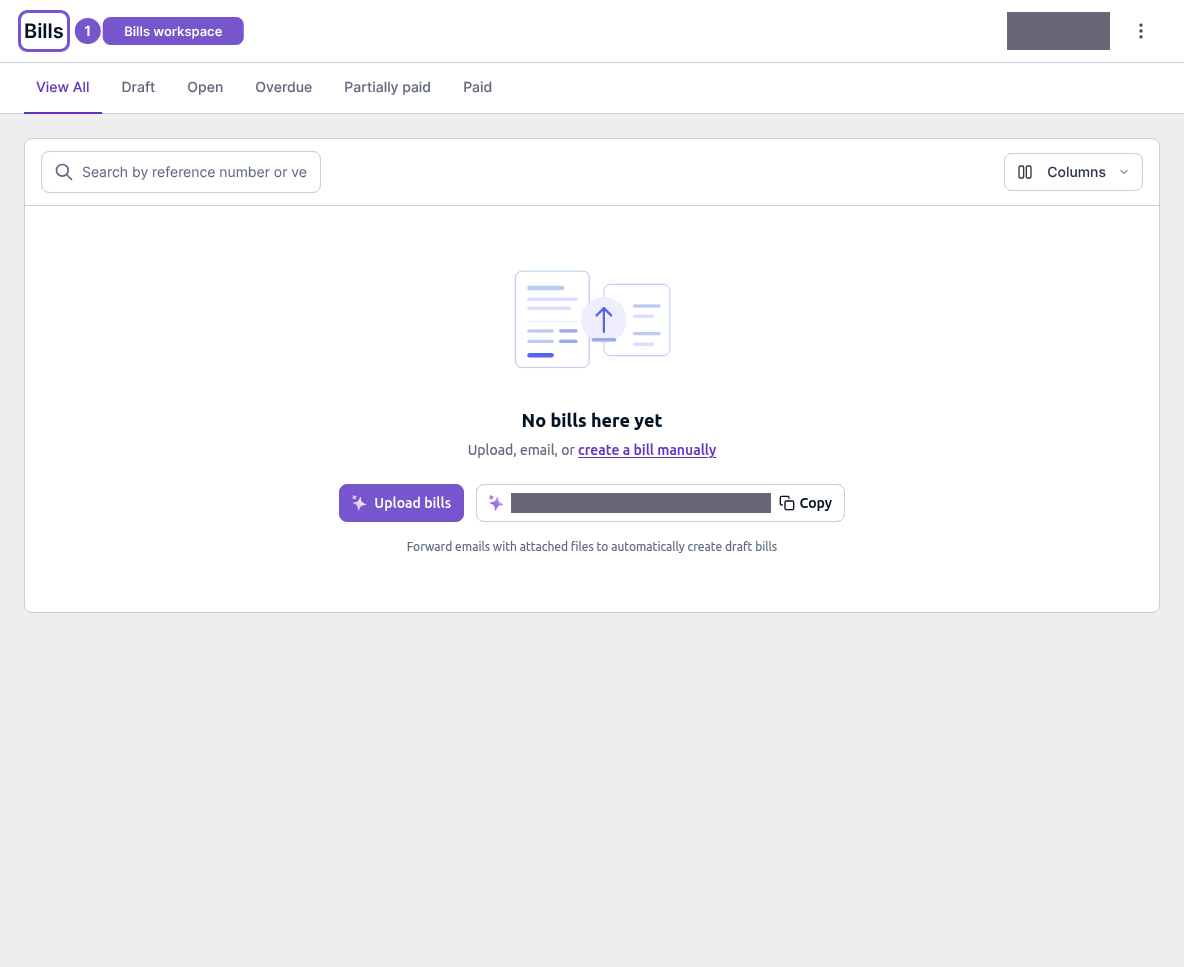
Opening the workspace does not change a purchase document.