
Start a new vendor record
Open Vendor Management and navigate to the vendor-creation screen without saving a vendor.
Use Vendor Management to open a new vendor record. These steps stop before you save any vendor details.
Start a vendor record
- Open Vendor Management.
- Select New vendor.
- Confirm that the vendor-creation screen opens.
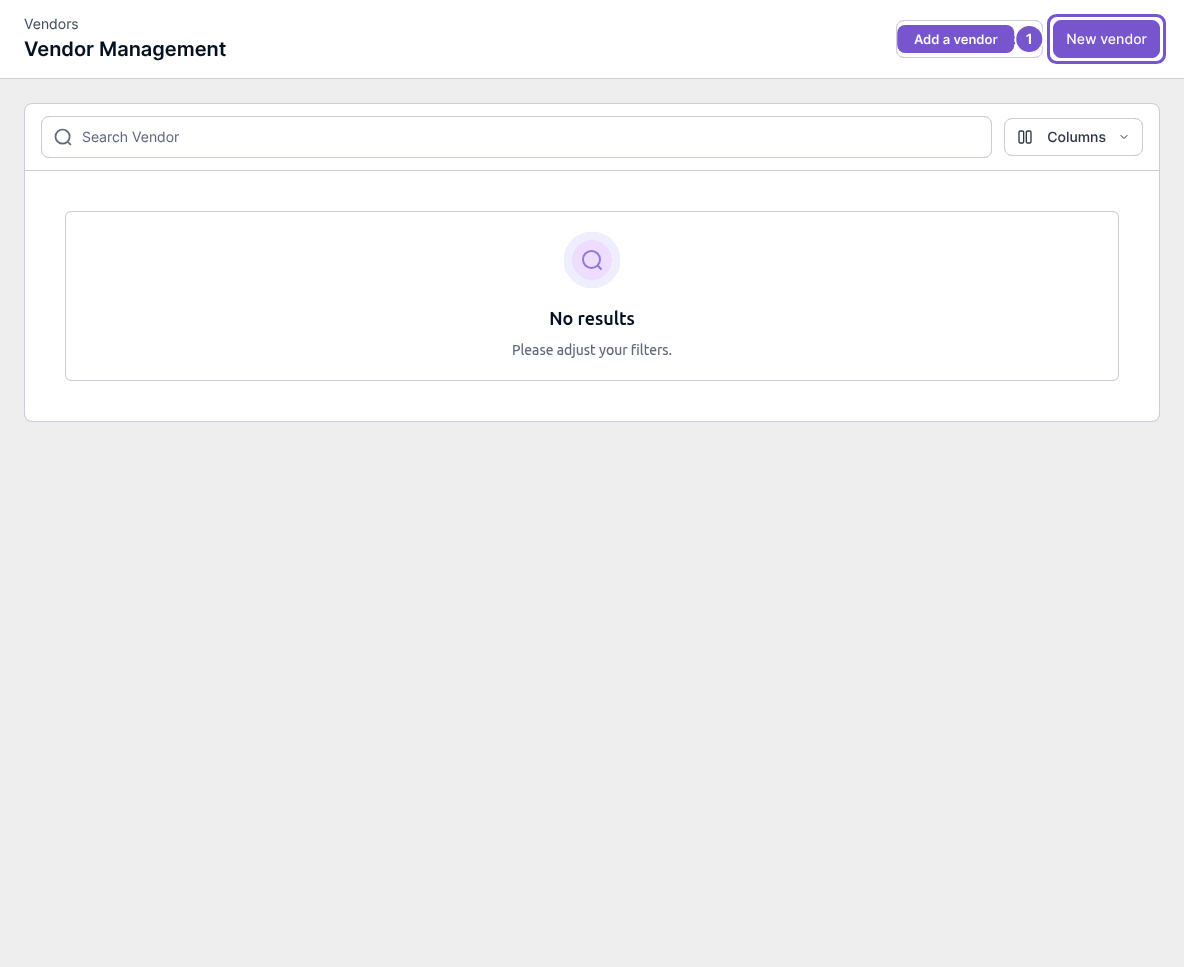
Opening the creation screen does not save a vendor.