
Find the document upload action
Open a first-run document inbox and find Upload documents without selecting a file.
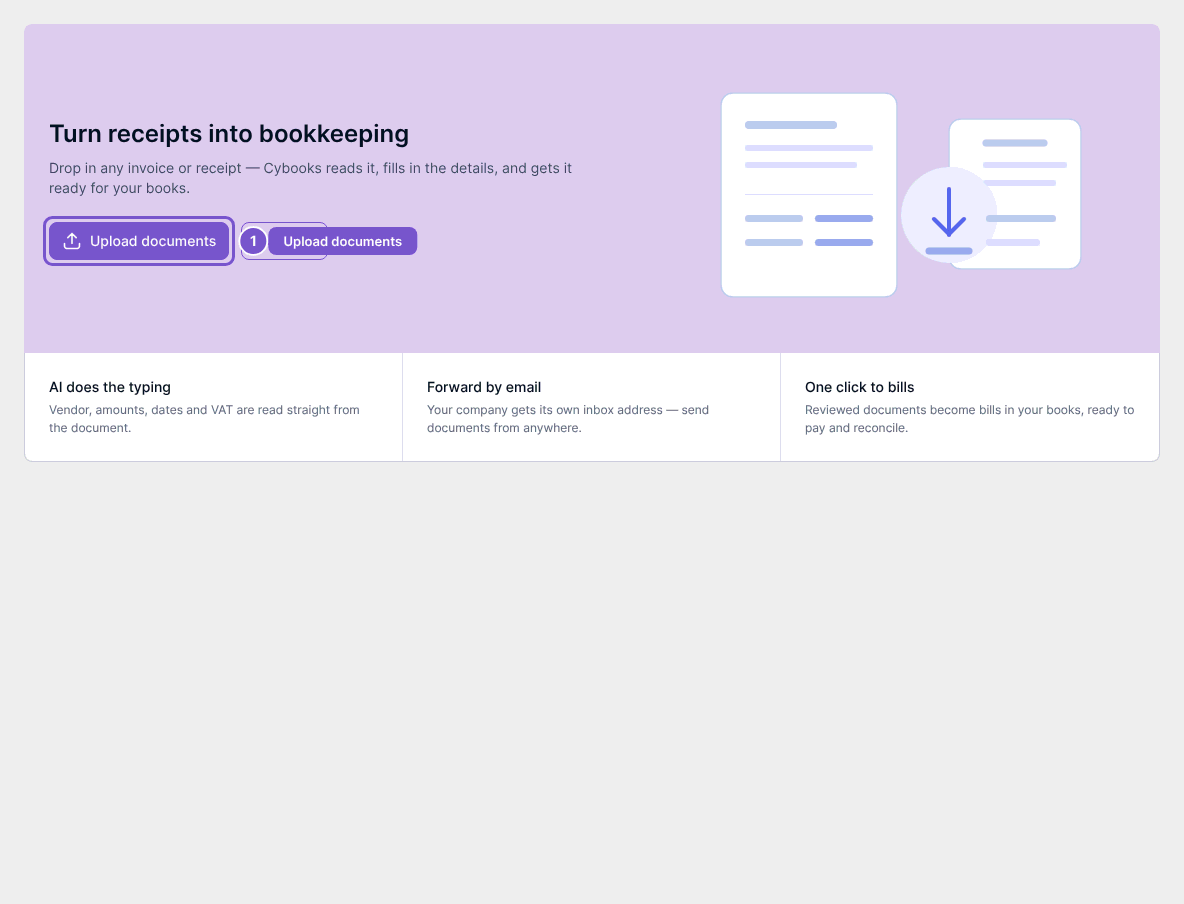
A workspace that has never uploaded a document shows the first-run Document Extraction state and its upload action.
Find Upload documents
- Open Document Extraction.
- Confirm that Turn receipts into bookkeeping is visible.
- Find Upload documents.
These steps stop before file selection or external extraction.