
Open Record a payment for a bill
Display the outgoing-payment form for an open bill without confirming or writing a payment.
An open or part-paid bill can display the outgoing Record a payment form after Cybooks finds a payable account. These steps stop before confirmation.
Open the payment form
- Open an open or part-paid bill.
- Select Record a payment.
- Wait for the payment form to open.
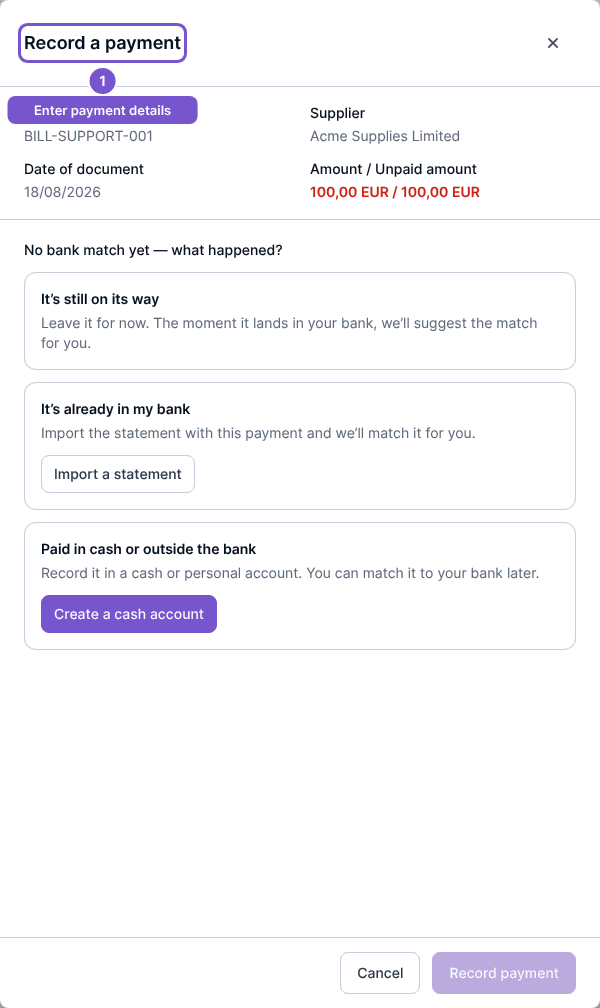
Opening the form does not confirm or write a payment.