
Open expense claims setup
Open the first-run Expense claims workspace and find its setup action without changing settings.
Open the first-run Expense claims workspace to find its setup action. This takes about two minutes and stops before settings change.
Open the setup screen
- Open Expense claims.
- Confirm that the first-run landing state is visible.
- Select Set up expense claims.
- Confirm that the setup screen opens.
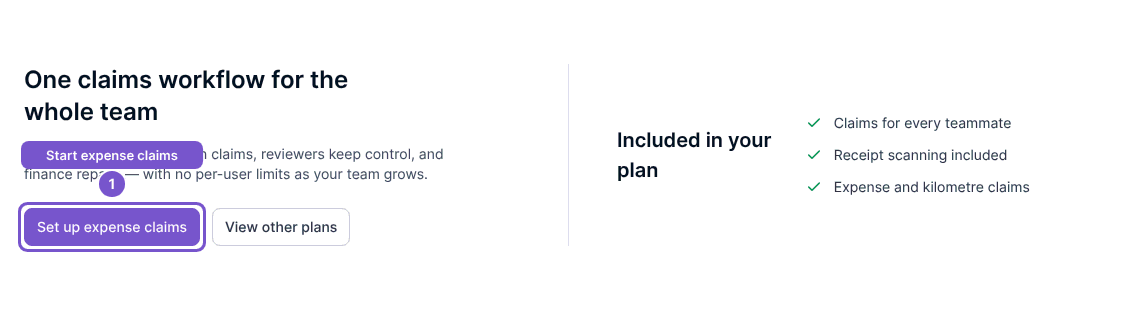
Opening the setup screen does not change Expense claim settings.