Sales and invoicing in Cybooks
Open the Sales and Payment workspace and find the available sales workflows.
Sales and Payment opens the invoice workspace without changing a sales document.
Open the sales workspace
- Open Sales and Payment.
- Select Invoices.
- Use the sales navigation to move to the workflow you need.
Opening this workspace does not create or change an invoice, estimate, credit note, customer, product, or payment.
Related articles
Recognize a customer document link
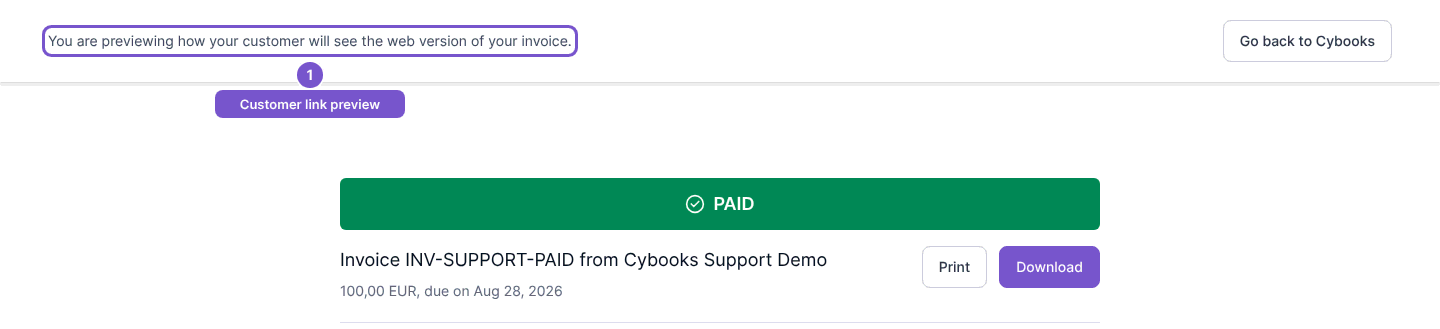
A customer-facing invoice, estimate or receipt link opens the document identified by that exact link. An invoice preview displays a banner explaining that you are previewing the customer’s web version.
Possession of the document link grants access to its contents. Share it only with the intended recipient. Viewing a shared document does not itself send the document or record a payment.