Start a new customer record
Open Customer Management and navigate to the new-customer screen without saving a customer.
Use Customer Management to open the new-customer screen. These steps stop before a customer is saved.
Start a customer record
- Open Customer Management.
- Select Add New Customer.
- Confirm that the new-customer screen opens.
No customer is created until the customer form is completed and saved.
Related articles
Review an existing customer
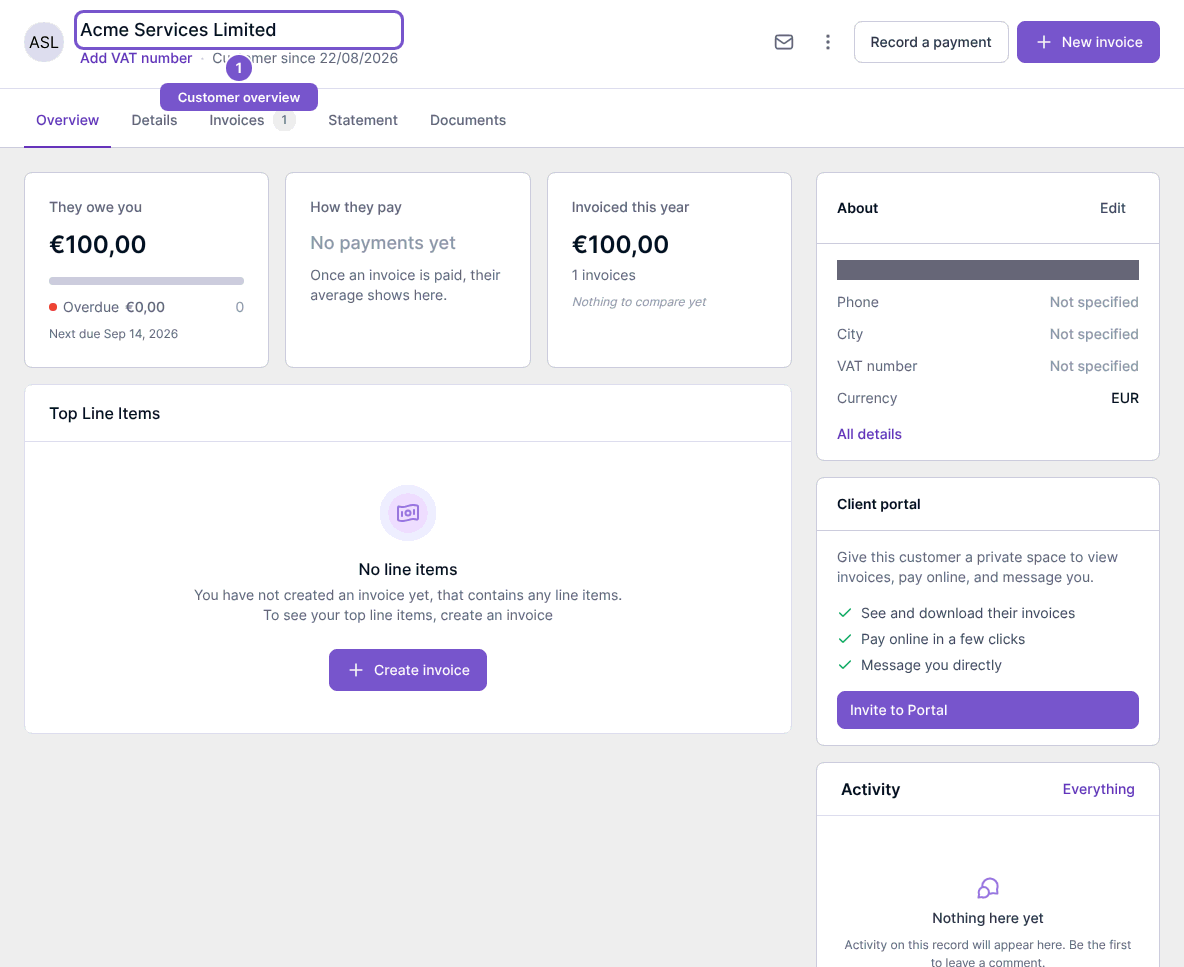
Open an existing customer and check Overview for the customer’s balances and activity. Details, Invoices, Statement and Documents provide separate views of that same customer. Viewing invoice information requires invoice access as well as customer access.
Reading the overview does not edit the customer, create an invoice or record a payment.