
Banking in Cybooks
Find connected bank accounts and open the To review, Bank feed, and Reconciled views.
Bank Accounts shows the accounts available to you and opens the views allowed by your permissions.
Open a bank account
- Open Bank Accounts.
- Select a connected account.
- Choose To review, Bank feed, or Reconciled.
To review requires permission to update bank accounts. Bank feed and Reconciled require permission to view bank accounts.
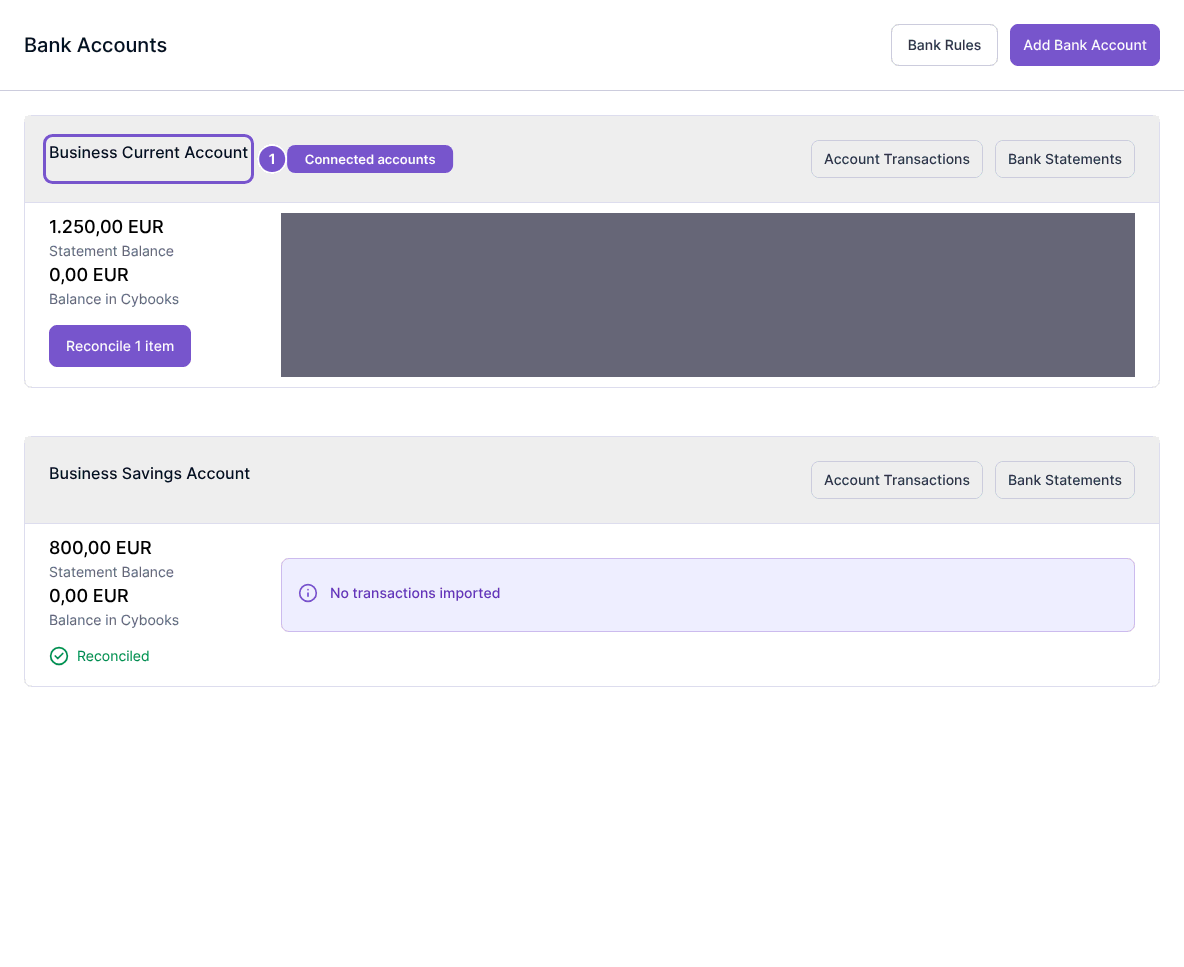
Opening a connected account exposes its available destinations without changing the account balance or ledger state.