
Read the Trial Balance
Review account debit and credit balances through a selected date.
Trial Balance presents account balances through the report's stated date.
- Open Reports and choose Trial Balance.
- Review the selected period and use the report's date or filter controls for the date you need.
- Check the As of date printed above the table.
- Read Account, Account Code, NET Debit and NET Credit, followed by the total.
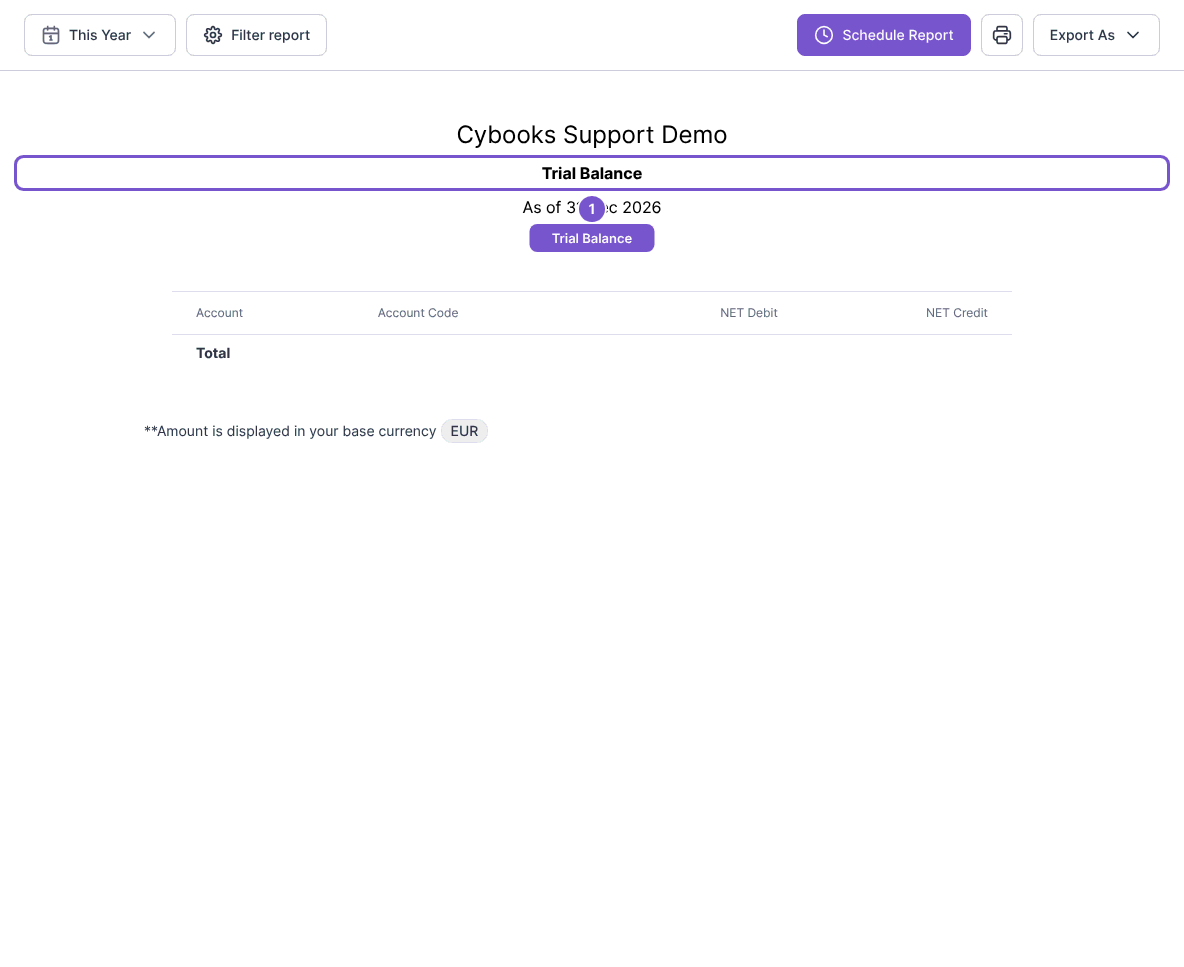
The report identifies the base currency used for its amounts. Loading it does not alter journals or balance the ledger. If you are comparing it with another report, use matching dates before investigating differences.