
Find the report you need
Use the Reports hub to find the reports available to your company and role.
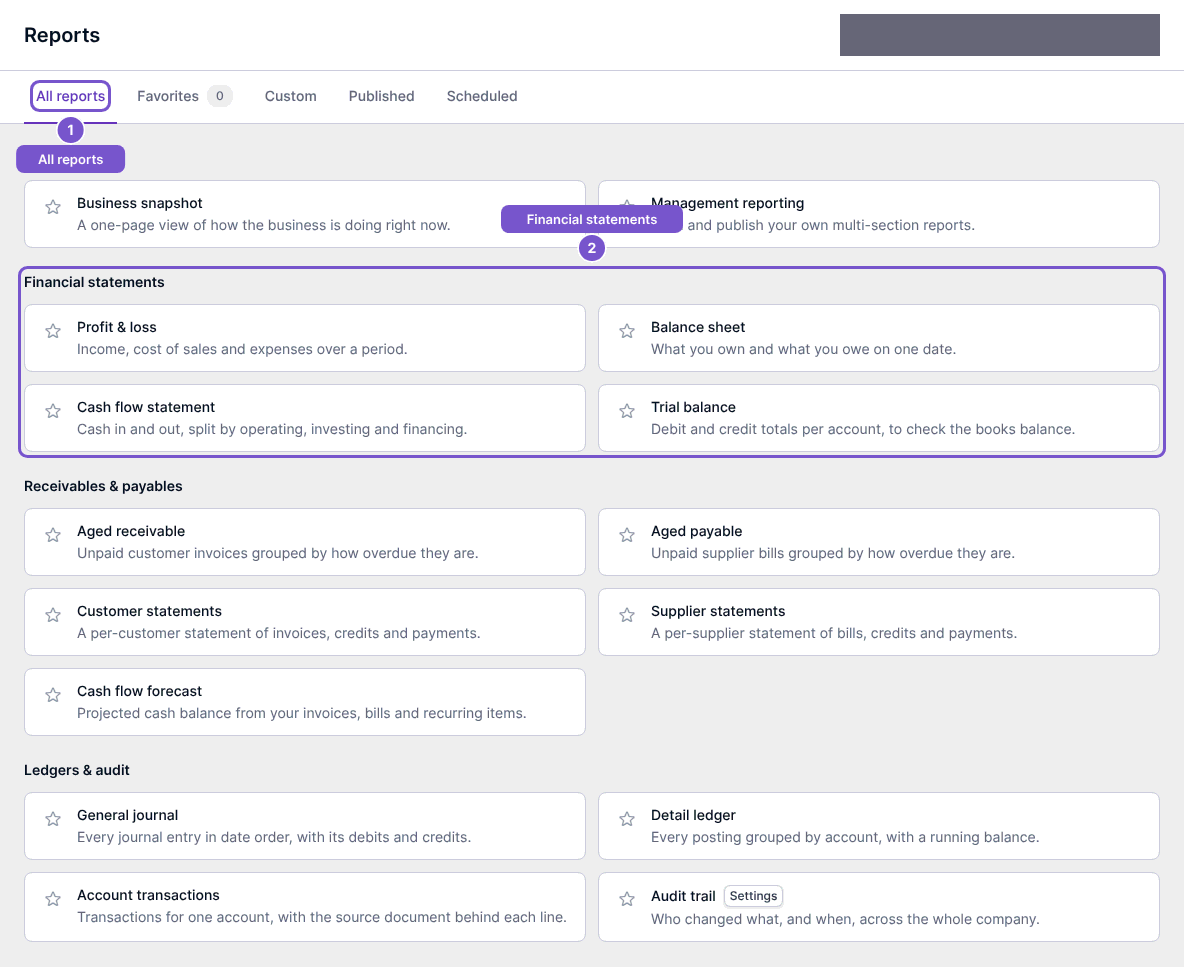
Reports is a directory of available report destinations. It groups reports so you can choose the right view before selecting dates or filters.
- Open Reports.
- Start with All reports.
- Find a report in groups such as Financial statements, Receivables & payables, or Ledgers & audit.
- Select the report you need to open its own page.
The hub filters destinations by permissions, enabled features and your plan. Opening the hub does not run every report or change your ledger. If a report is missing, check the relevant access or plan availability with your administrator.