
Find management reports and understand draft status
Review saved management reports and distinguish an unpublished draft from an issued version.
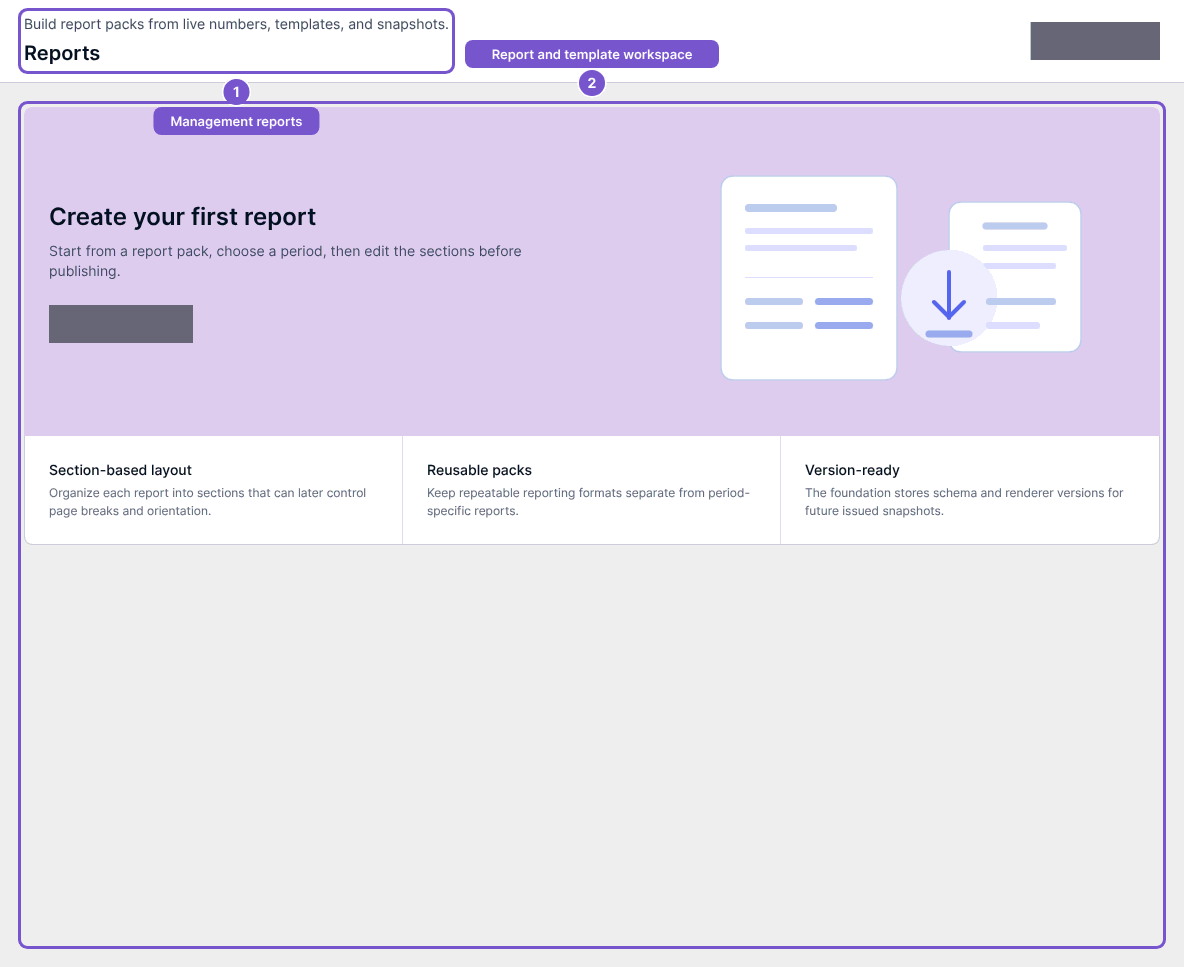
Management Reporting lists saved reports for your company. A draft and a published report are different states.
- Open Management Reporting and review Reports.
- Select the report you need.
- Check its status before expecting a published version or download.
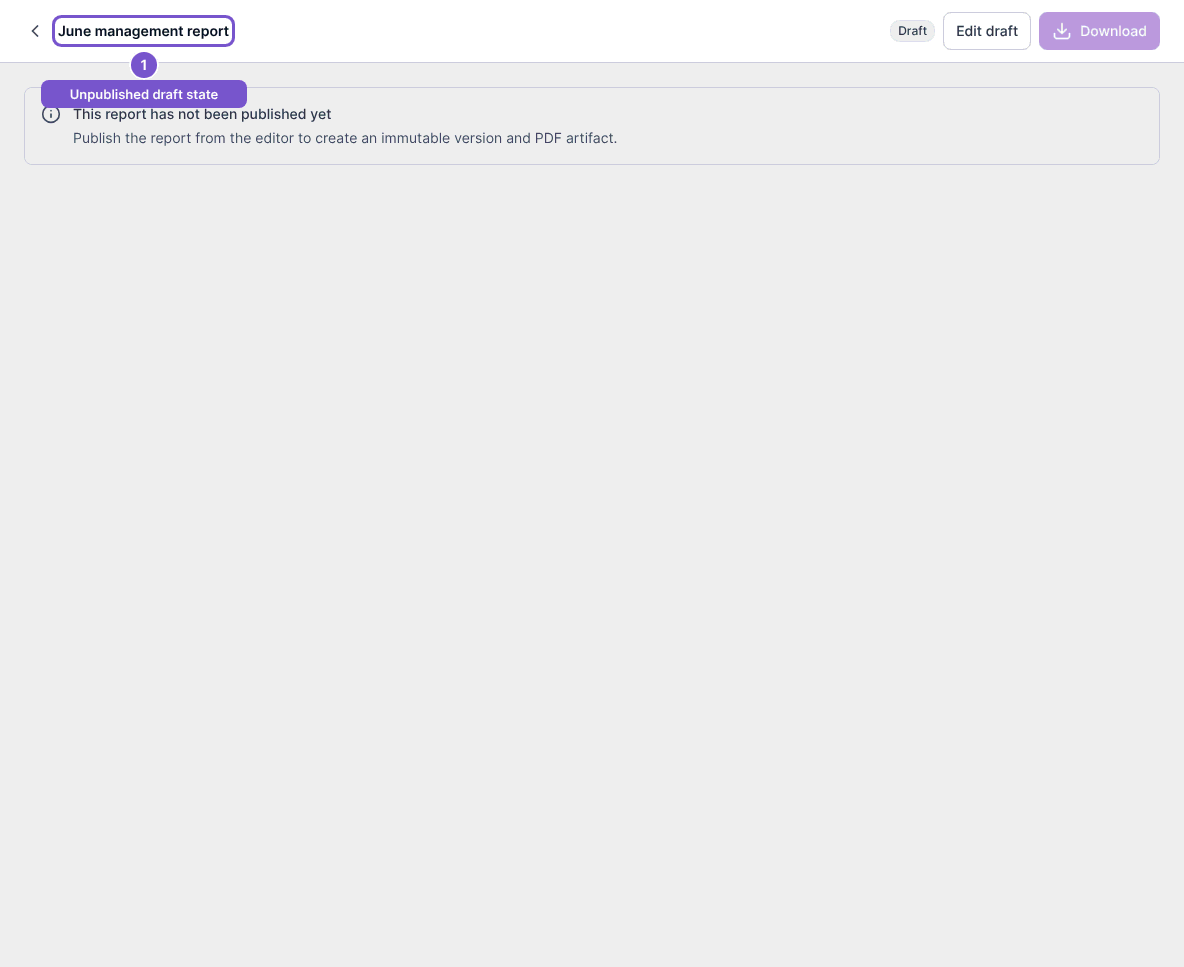
An unpublished draft displays This report has not been published yet. Opening the draft does not create an issued version or PDF. Edit draft leads to the editor for users with management access; Templates also requires management access.
If the list is empty, no saved reports are available in that view. If a report is still a draft, ask the report owner to review its contents and publication status rather than treating the draft as an issued report.