
Review an existing month-end review
Open the saved review for a specific period and profile and read its checks.
Month-end review lets you inspect the saved review for a particular period and profile.
- Open Month-end review.
- Choose Period and Review profile, such as Month-end close.
- Review the completed check groups in Review areas.
- Read Manual close tasks and the explanation of what the review cannot check for you.
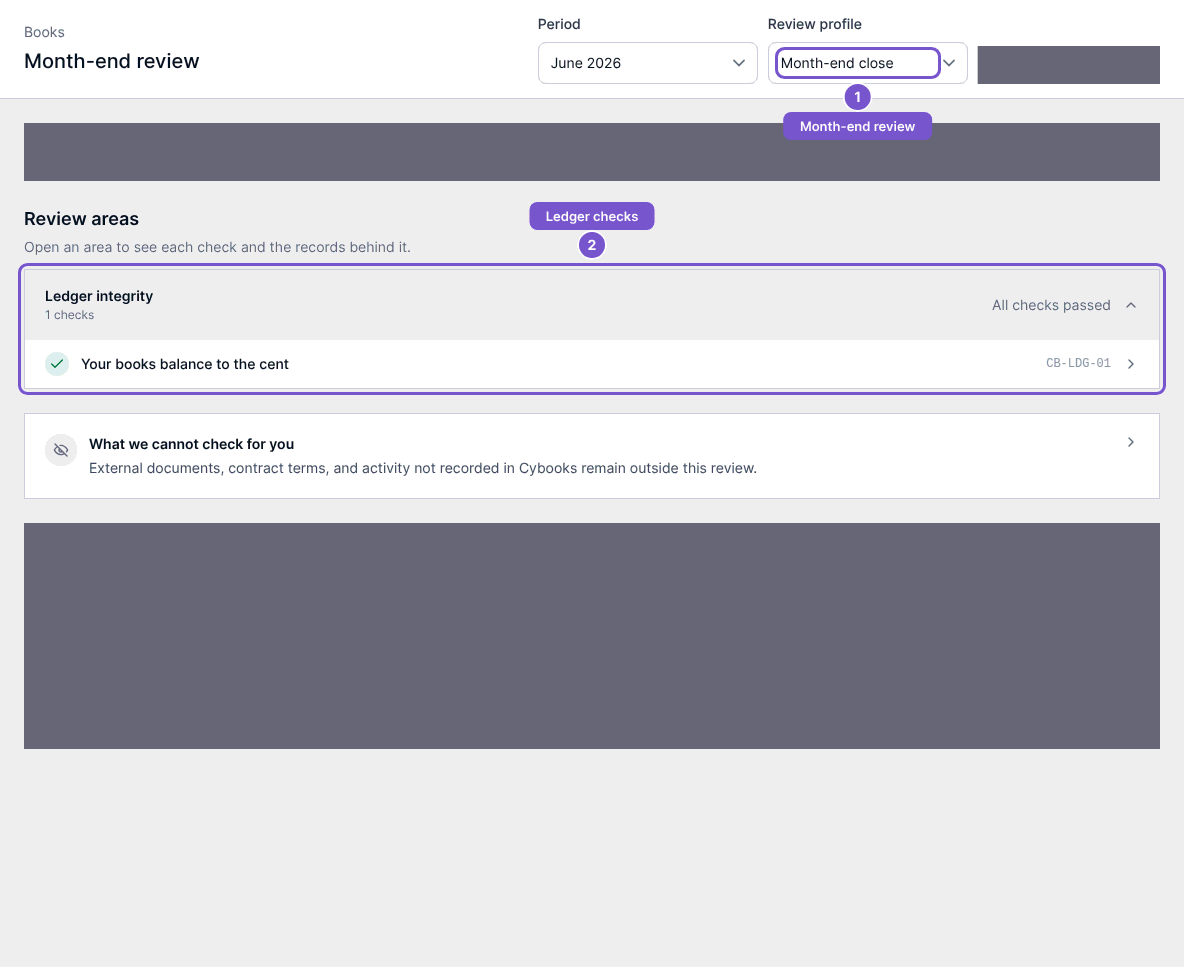
Read the selected review in context: external documents, contract terms and activity not recorded in Cybooks remain outside its checks. Opening a saved review does not run a new review, resolve a finding, complete a manual task or close the books. Resolution controls require separate access. If no saved review is available for your selection, confirm the period and profile with the person responsible for the close.