
Review a bank revaluation preview
Check a dated foreign-currency revaluation calculation before posting.
A bank revaluation preview shows the proposed adjustment for a foreign-currency account. Preview and posting are separate stages.
- Open the intended bank account and its Revaluations view.
- Open the revaluation preview and choose the date to review.
- At Review before posting, check the dated calculation and proposed adjustment.
- Use Back or close the preview if the date or rate needs further investigation.
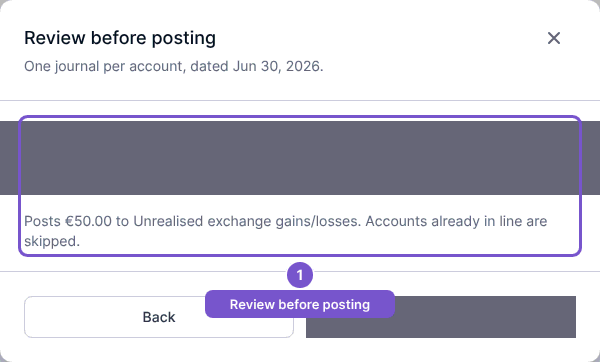
Post revaluation is the separate posting action. Reviewing the calculation alone does not create a revaluation or journal. If the feature is missing, check access and feature availability. If the calculation cannot be prepared, confirm that the account is foreign-currency and that the required closing rate is available before proceeding.