
Read the Profit & Loss report
Review income and expense presentation for a chosen period and comparison.
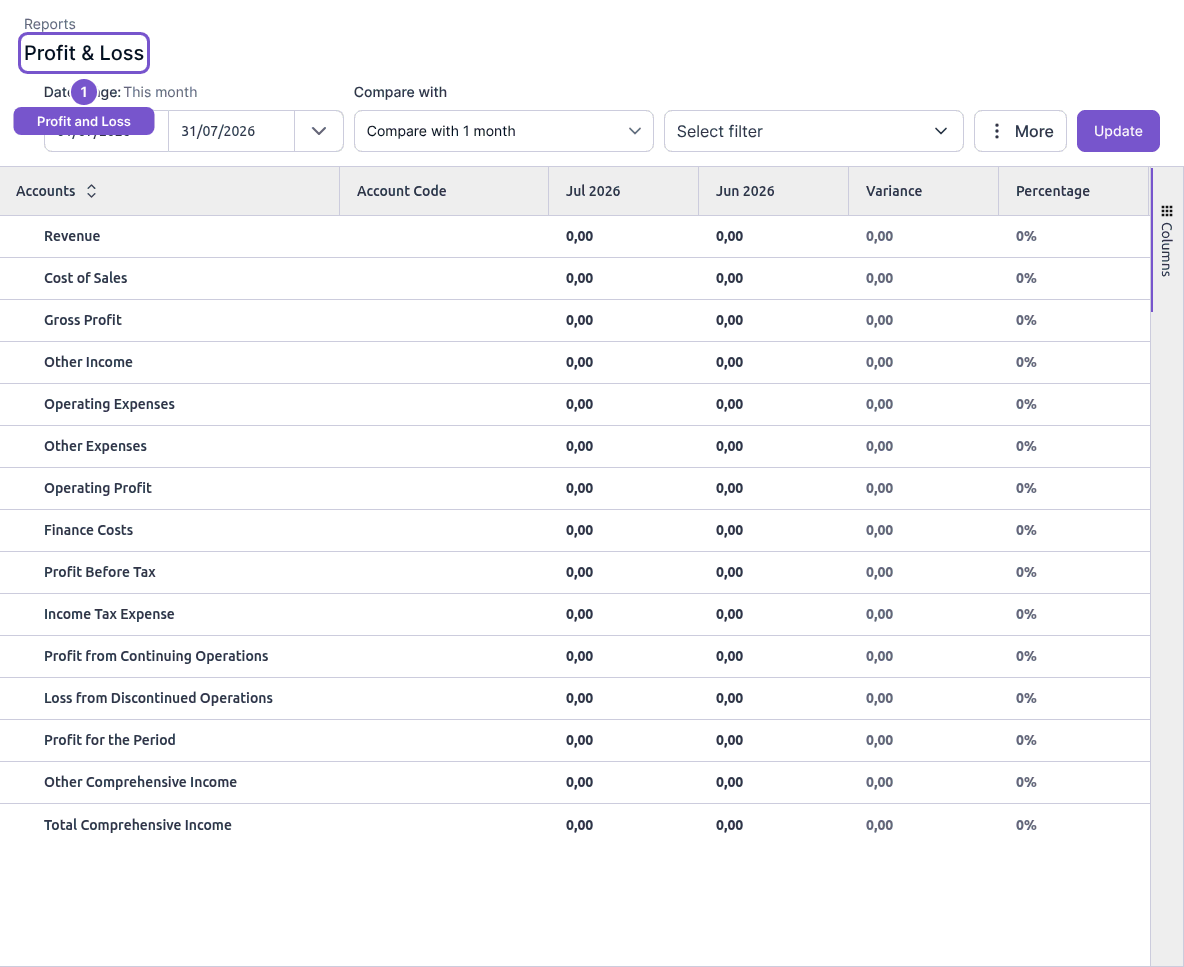
Profit & Loss shows income and expense information for the period you select.
- Open Reports and choose Profit & Loss.
- Set Date range and Compare with.
- Review any additional filter selection, then select Update.
- Read the account groups and the totals for the period, using the comparison columns where needed.
A report refresh changes the displayed period, not the underlying journal entries. If a figure looks unexpected, check the period, comparison and filters first, then investigate the related accounts.