
Read the Journal Report
Find journal details for a selected period without changing the journals.
Journal Report lists journal information for the dates you choose.
- Open Reports and choose Journal Report.
- Set Date range.
- Use Columns to choose the details you need, then select Update.
- Review the journal ID, account, debit, credit and posting details available in the table.
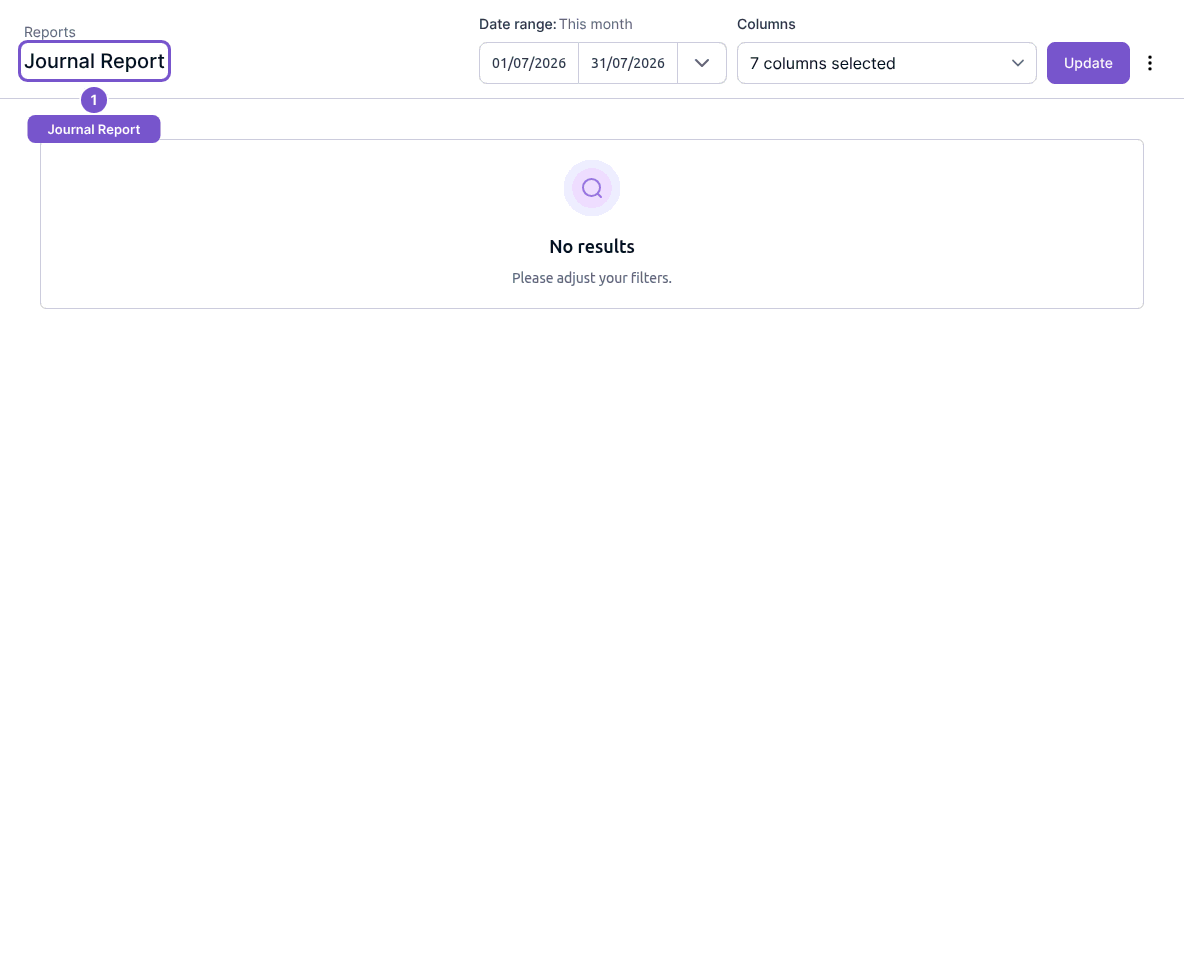
Refreshing this view does not save, post or reverse a journal. If the expected journal is absent, check its posting date against the selected range before changing any record.