
Review Realised Gains and Losses
Filter realised gains and losses by period, source type and currency.
Realised Gains and Losses helps you inspect the reported result for receivable and payable sources.
- Open Reports and choose Realised Gains and Losses.
- Set Date range.
- Review Source Type and select a Currency if you want to narrow the report.
- Select Update and read the resulting rows.
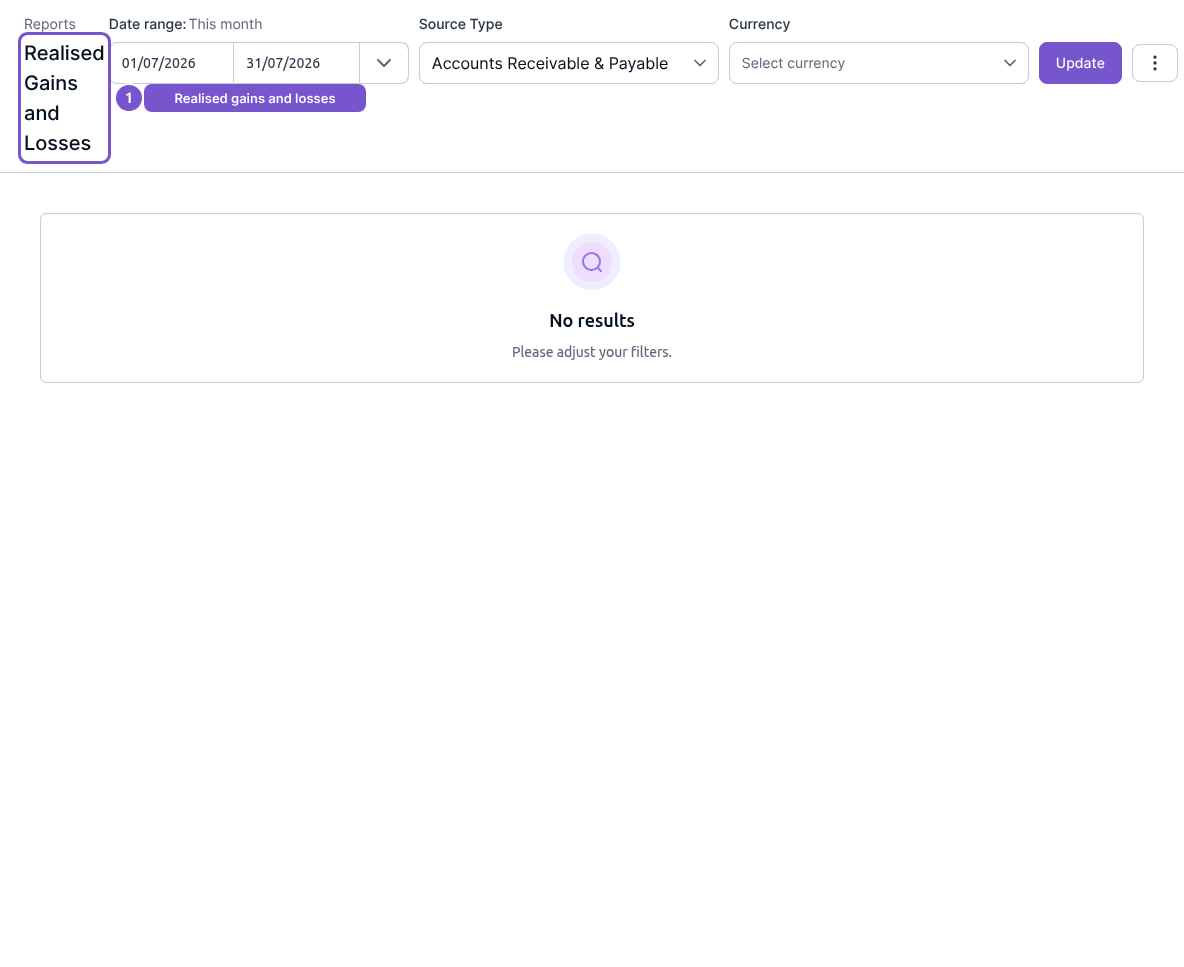
This report reads accounting results; it does not change an exchange rate or post a revaluation. If no results appear, review the source and currency filters as well as the period.