
Review fixed-asset movement and reconciliation reports
Compare asset movements and the asset register with reported accounting balances.
Use the fixed-asset reports to review recorded movement and identify differences that need investigation.
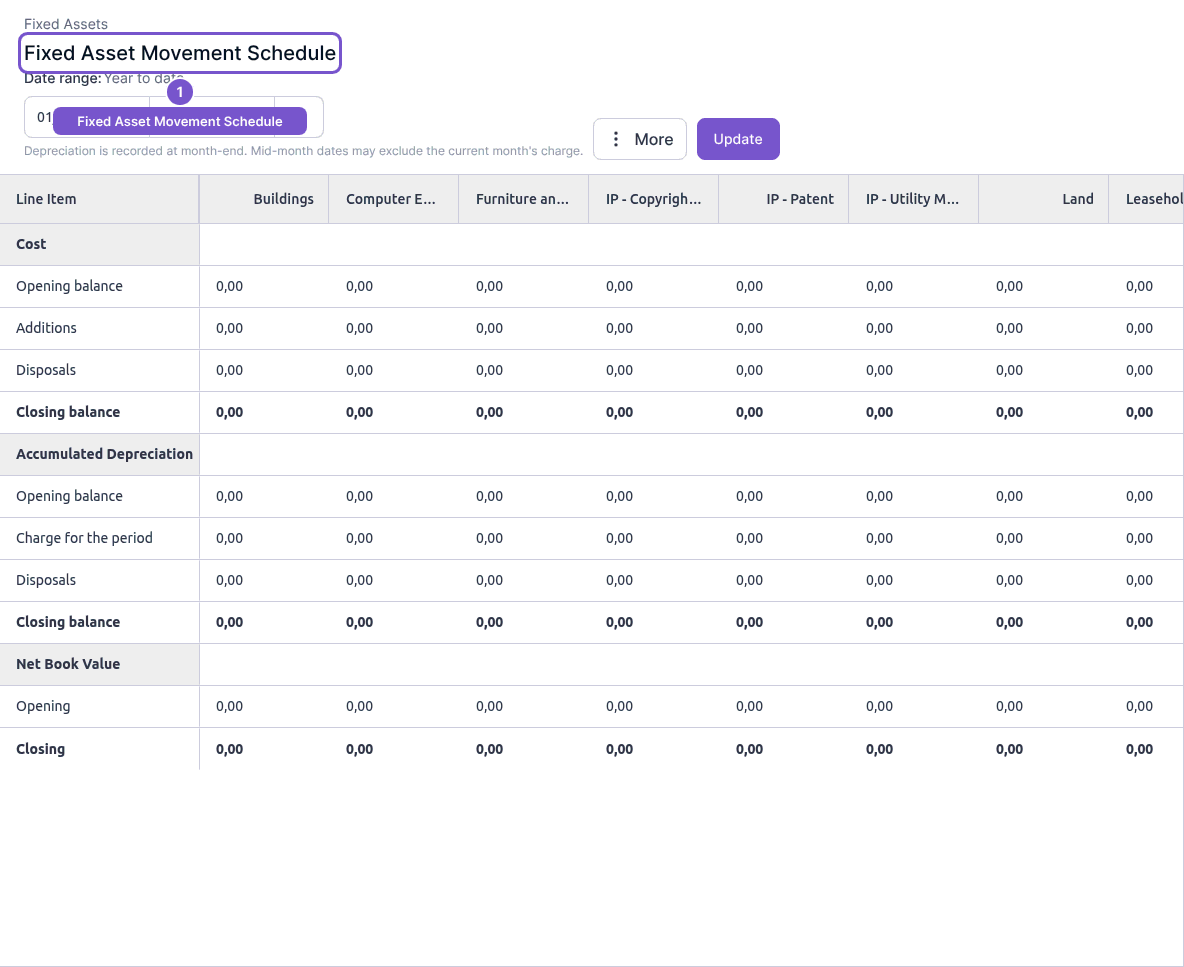
Movement schedule
- Open Fixed Asset Movement Schedule from Reports.
- Choose Date range and select Update.
- Read Cost, Accumulated Depreciation and Net Book Value by asset type.
- Compare the opening and closing rows with additions, disposals and the period's depreciation charge.
Reconciliation
Open Fixed Asset Reconciliation to compare Balance Sheet and Asset Register figures and their Difference for the chosen period. Use the same period when comparing the two reports.
Depreciation is recorded at month-end, so a mid-month end date may exclude that month's charge. Viewing either report does not post depreciation, dispose of an asset or correct a difference. Investigate the related asset and accounting records before making any adjustment.