
Read the Detail General Ledger
Inspect ledger entries by account with opening, movement and closing balances.
Detail General Ledger groups the selected period's ledger detail by account.
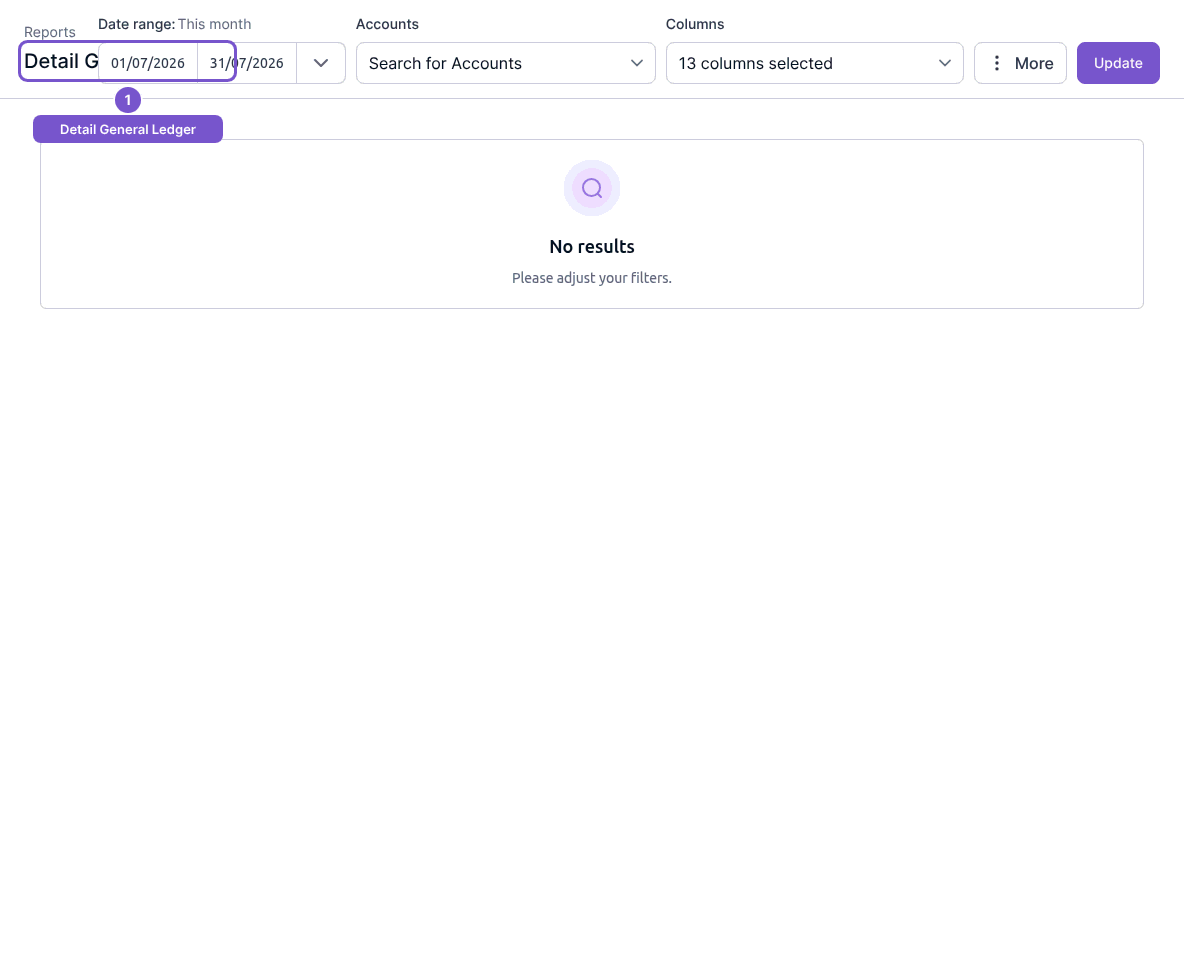
- Open Reports and choose Detail General Ledger.
- Choose Date range and Accounts.
- Select the Columns you need, then Update.
- Review account groups and their entries, including opening balance, period movement and closing balance where shown.
The report offers details such as journal ID, reference, debit, credit and running balance. It reads the ledger; it does not post an entry. If an account appears empty, check the account selection and date range before investigating the source transaction.