
Review the Customer Statements list
Find customer statement balances for a selected period.
Customer Statements lists customers and their statement balances for the selected period.
- Open Reports and choose Customer Statements.
- Set Date range and, if needed, choose a Customer.
- Use Show all customers when you also need customers with no transactions.
- Select Update and review the list.
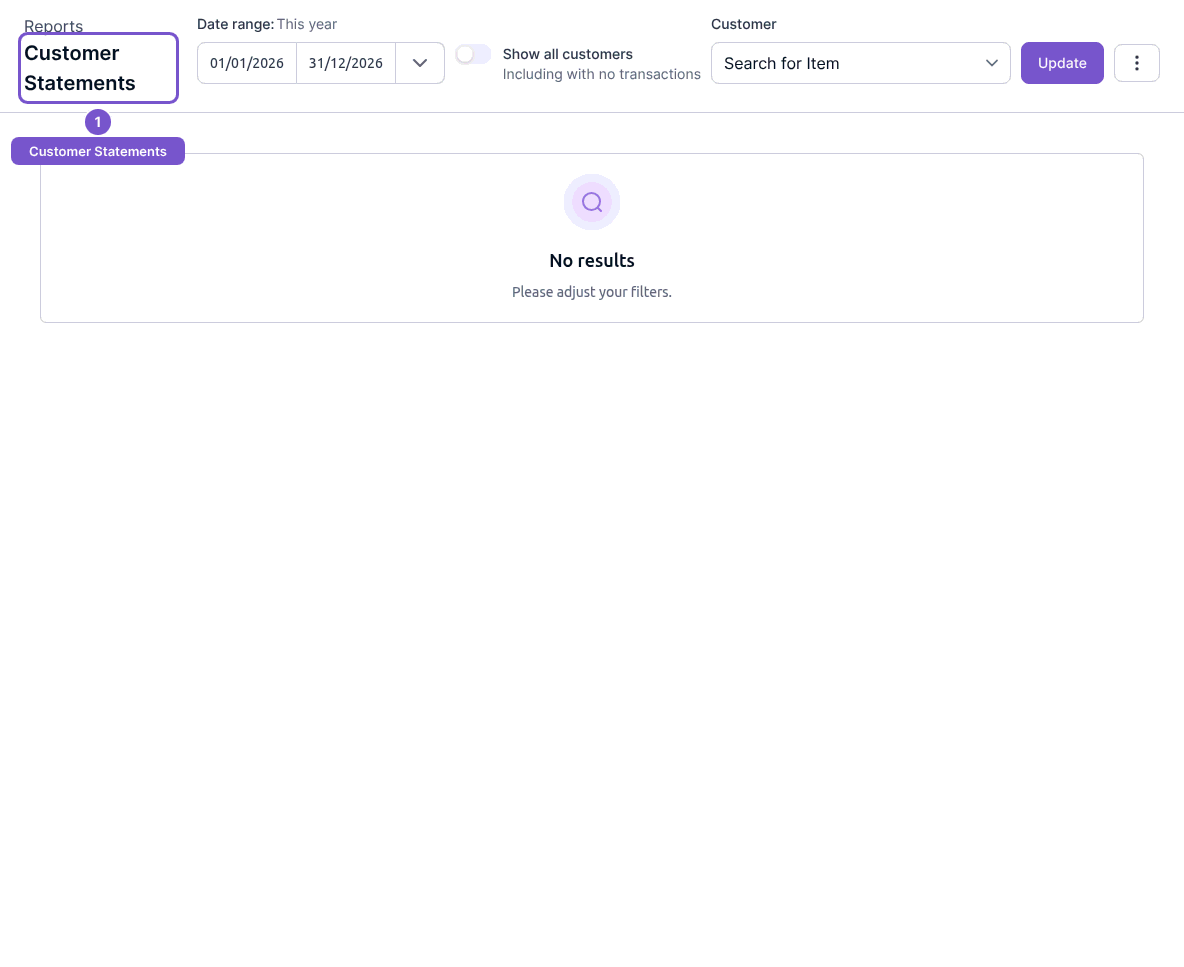
Loading the list does not send a statement or generate a download. If a customer is absent, check the customer filter, period and Show all customers choice. Verify the intended customer before any later statement-delivery action.