
Read the Cashflow Statement
Review cash-flow presentation for a chosen period and comparison.
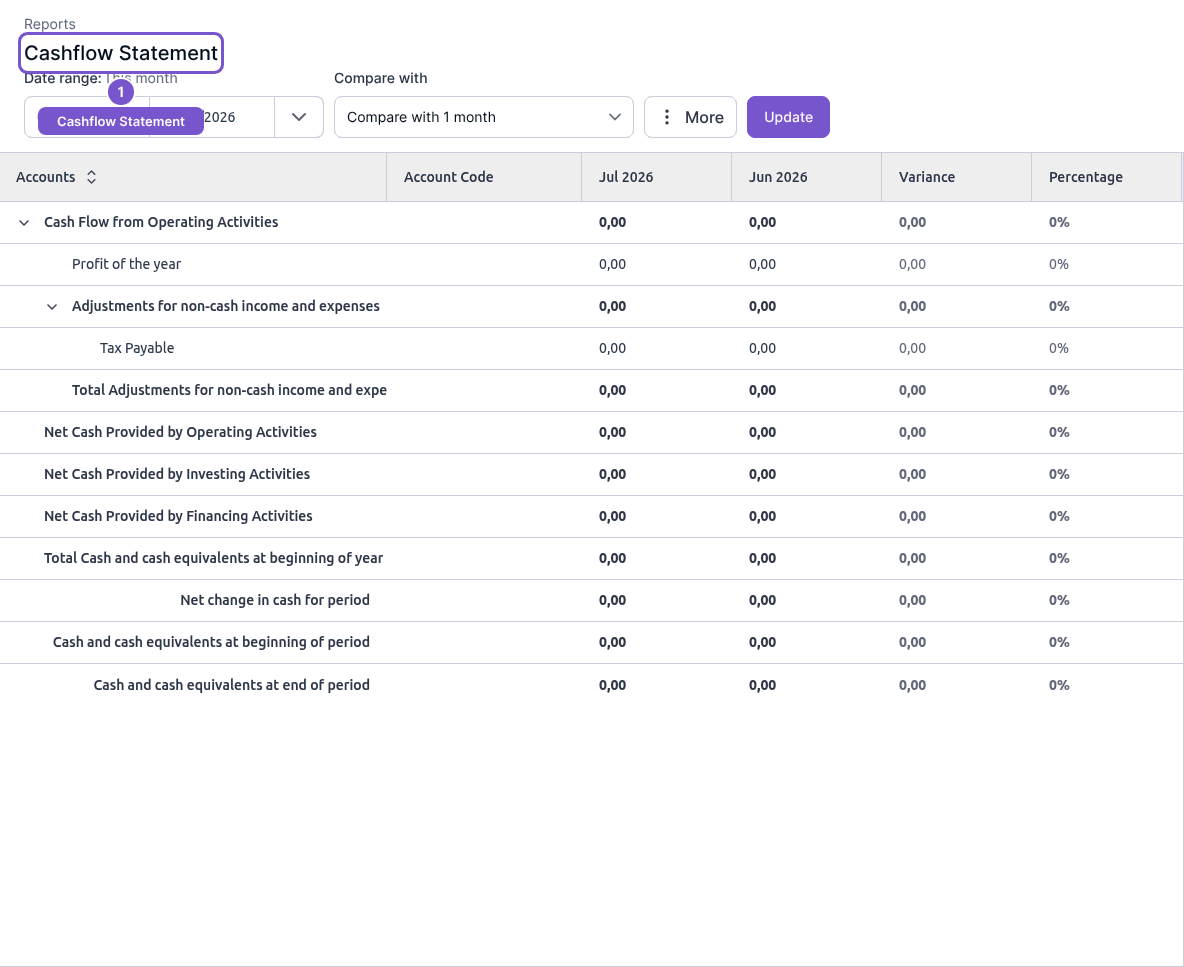
The Cashflow Statement groups the displayed cash-flow information for the period you choose.
- Open Reports and choose Cashflow Statement.
- Set Date range.
- Choose Compare with and select Update.
- Review operating, investing and financing sections, followed by the cash and cash-equivalent totals.
Changing report filters changes the presentation, not cash or ledger records. When comparing periods, verify the dates shown in each column. Unexpected totals need investigation of the underlying records; loading this report does not make an adjustment.