
Find your Cashflow Forecast scenarios
Open the forecast workspace and identify the scenario and date range being displayed.
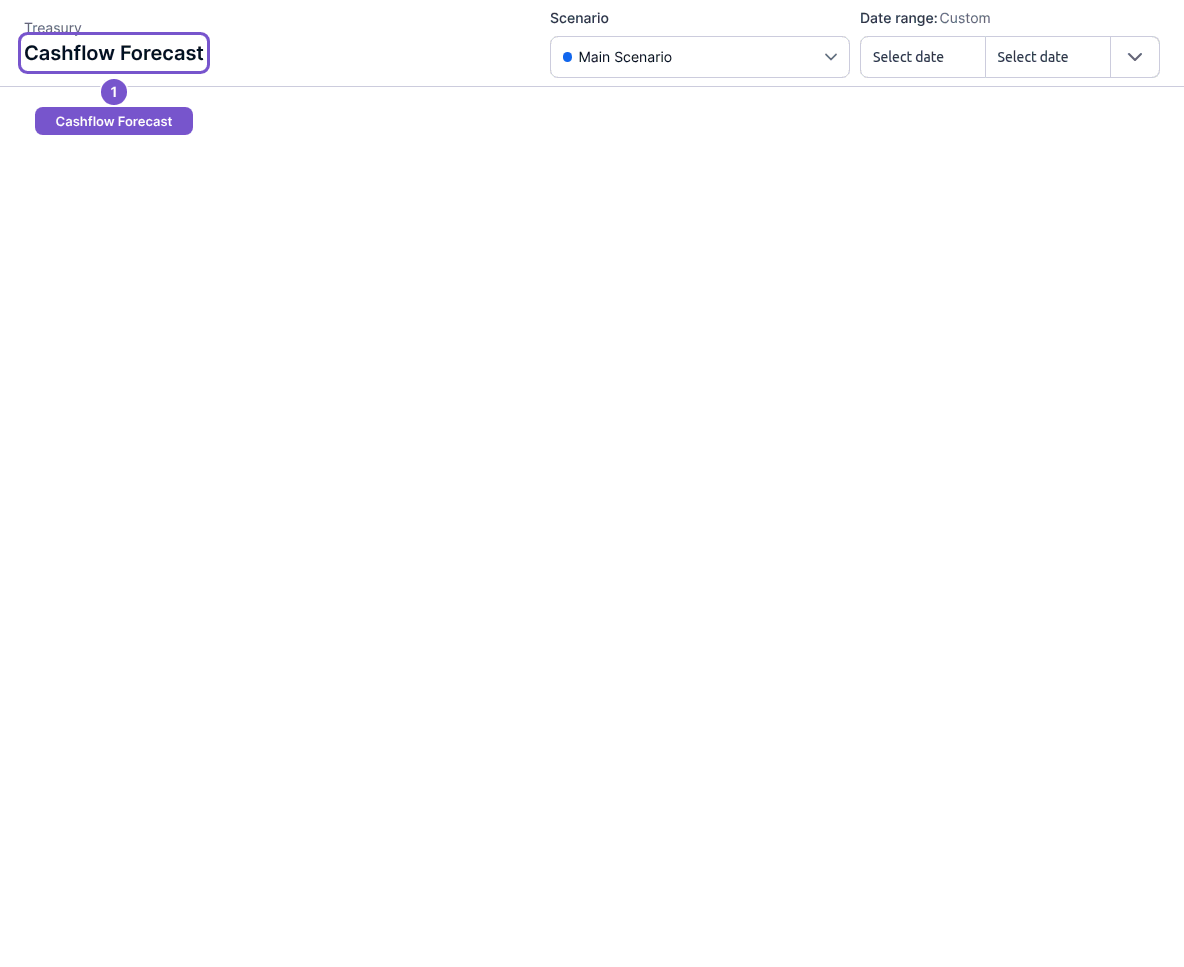
Cashflow Forecast opens the forecast scenario workspace. The selected scenario and dates provide the context for the forecast you review.
- Open Cashflow Forecast from Reports.
- Check the Scenario selection at the top of the workspace.
- Review Date range before interpreting the displayed forecast.
Opening this workspace reads the available scenarios. It does not create a scenario or change forecast assumptions. If the scenario you expected is absent, confirm the company and scenario selection with the person responsible for your forecast before creating a replacement.