
Read the Balance Sheet
Review account balances at a selected date and compare them with another period.
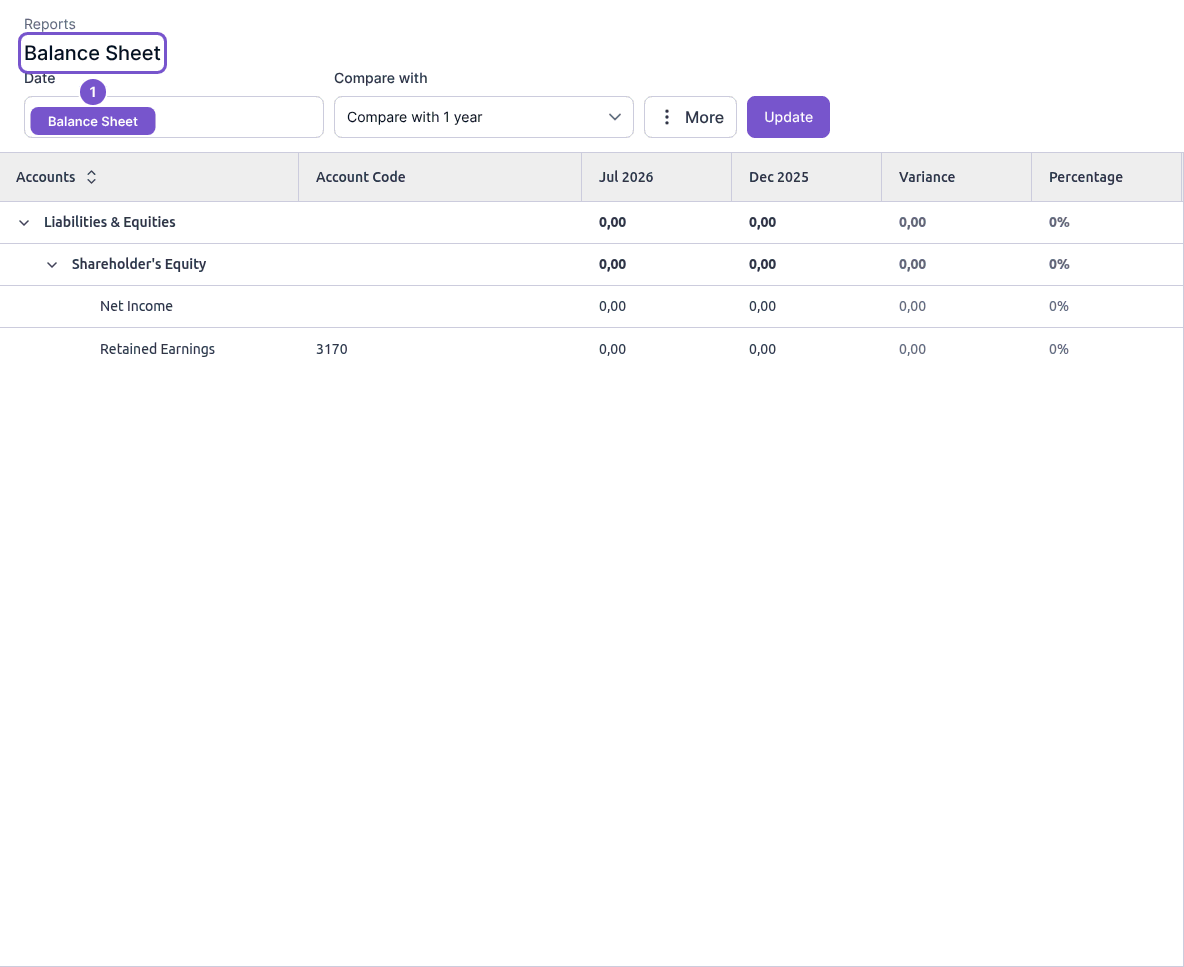
The Balance Sheet presents account balances for one date, with an optional comparison.
- Open Reports and choose Balance Sheet.
- Set Date to the date you want to review.
- Choose the comparison in Compare with and select Update.
- Expand account groups as needed and review the balance, variance and percentage columns.
The selected date defines the snapshot. Refreshing the presentation does not change account balances. If a comparison looks unexpected, check both dates before investigating the underlying entries.