
Review Aged Receivables
See outstanding customer balances grouped by age at a selected date.
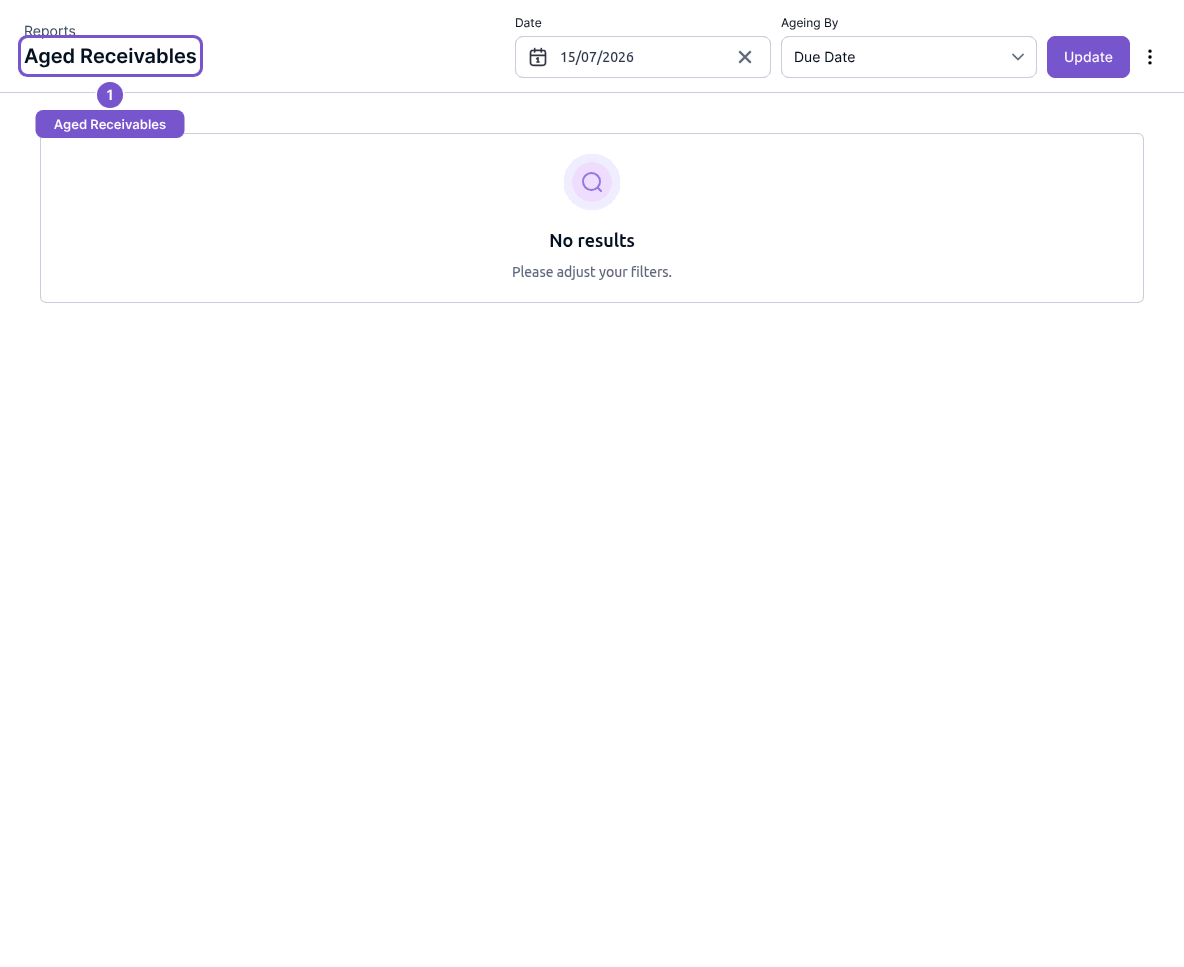
Aged Receivables shows customer balances grouped into ageing periods for the date you select.
- Open Reports and choose Aged Receivables.
- Choose Date and review Ageing By.
- Select Update.
- Read each customer's ageing columns and Total Outstanding.
This is a balance review; opening or updating the report does not collect a payment or edit an invoice. If a customer is missing, check the selected report date before assuming the customer's balance has been settled.