
Review Aged Payables
See outstanding vendor balances grouped by age at a selected date.
Aged Payables helps you review the amounts outstanding to vendors at a particular date.
- Open Reports and choose Aged Payables.
- Set Date and check the Ageing By selection.
- Select Update to load the ageing table.
- Review each vendor's ageing amounts and Total Outstanding.
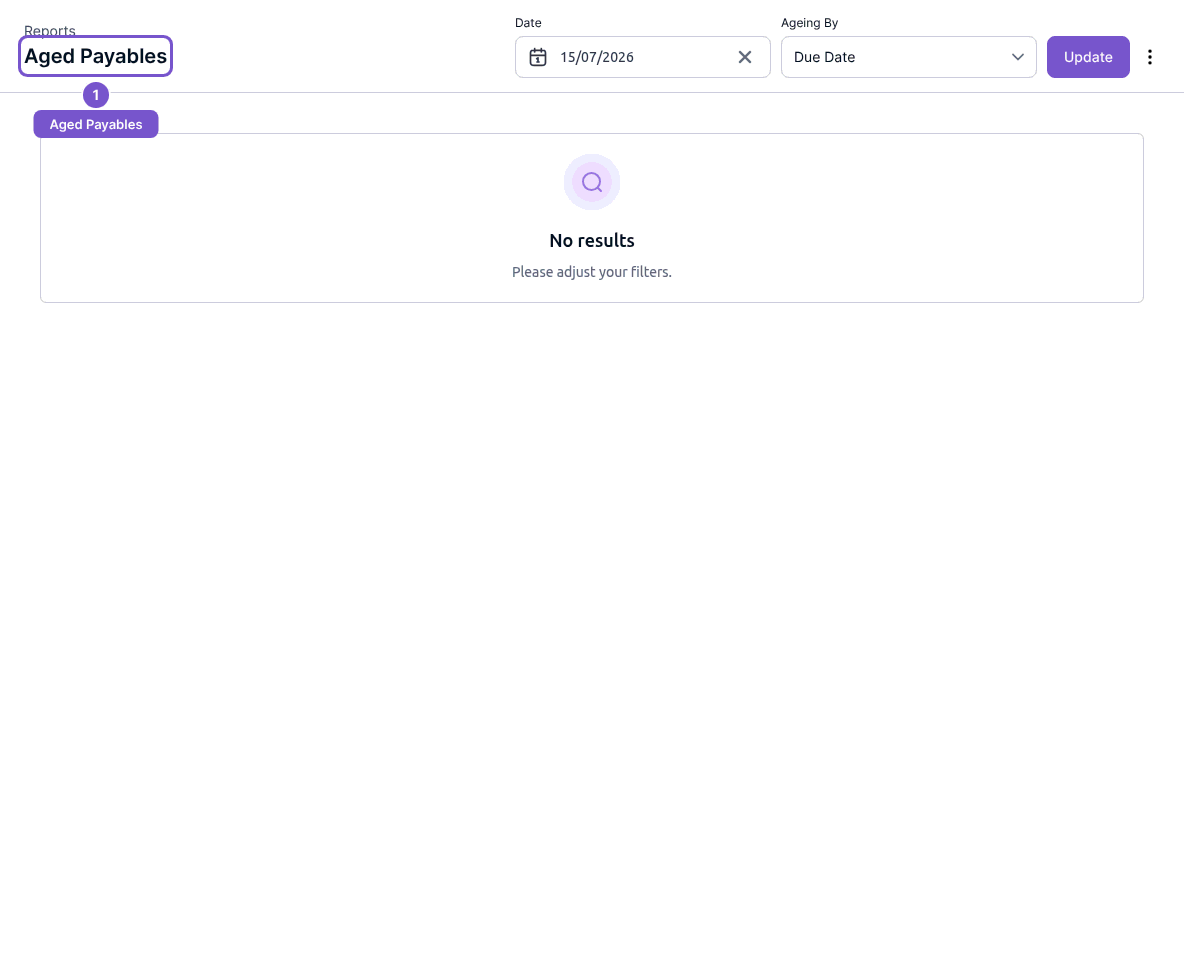
Reading the table does not pay or change a bill. Keep the report date in mind when comparing it with today's balances. If there are no results, check the date and ageing settings before changing any underlying bills.