
Read the Account Transactions report
Review transaction details for selected accounts and dates.
Account Transactions lets you inspect the entries for the accounts and period you choose.
- Open Reports and choose Account Transactions.
- Set Date range and select the Accounts to inspect.
- Use Columns to choose the detail you need, then select Update.
- Review the resulting transaction rows and use pagination for additional results.
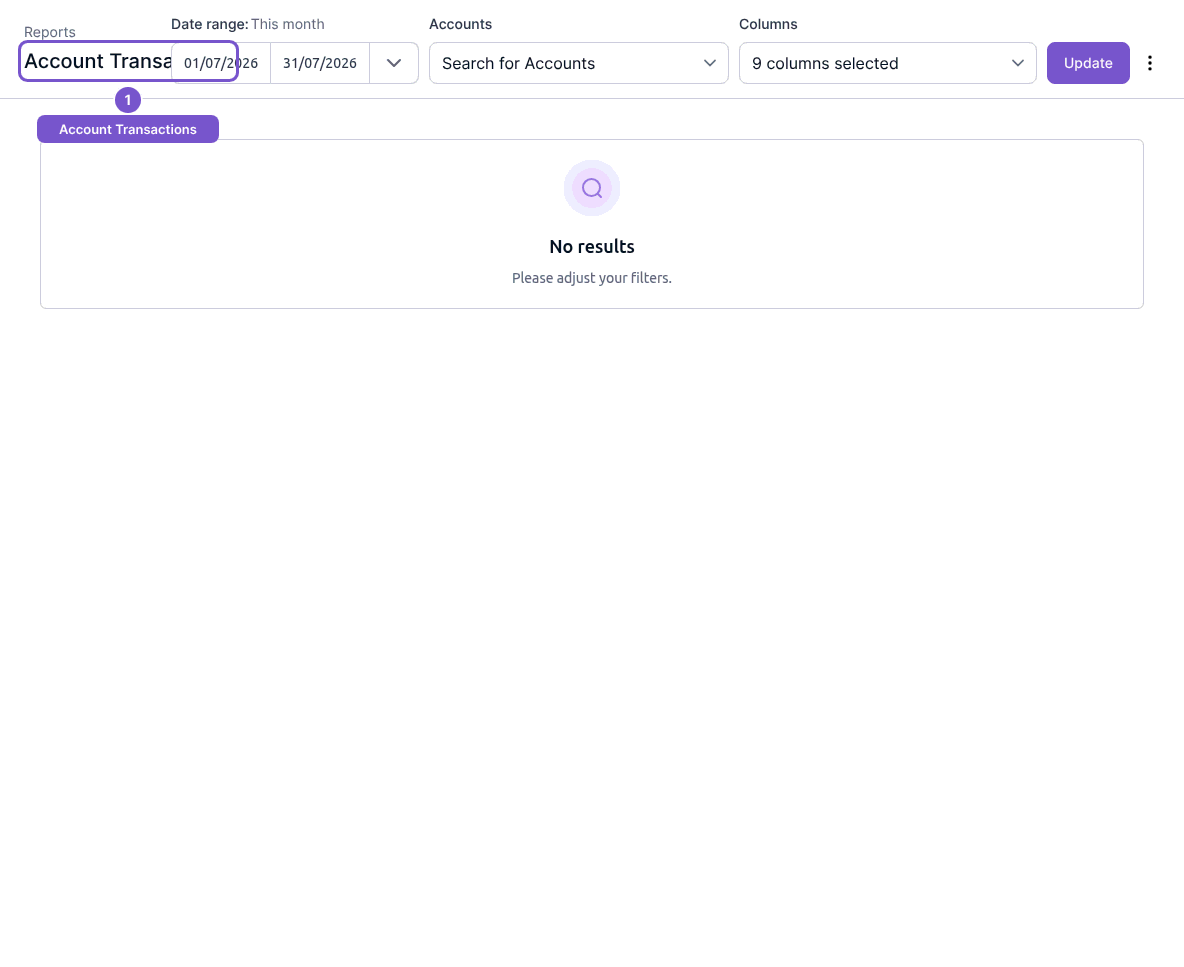
The report includes transaction dates, account details and source information. Updating the report refreshes its view; it does not edit a transaction. If No results appears, check the date range and selected accounts before assuming that activity is missing.