Find conversations in workspace Chat
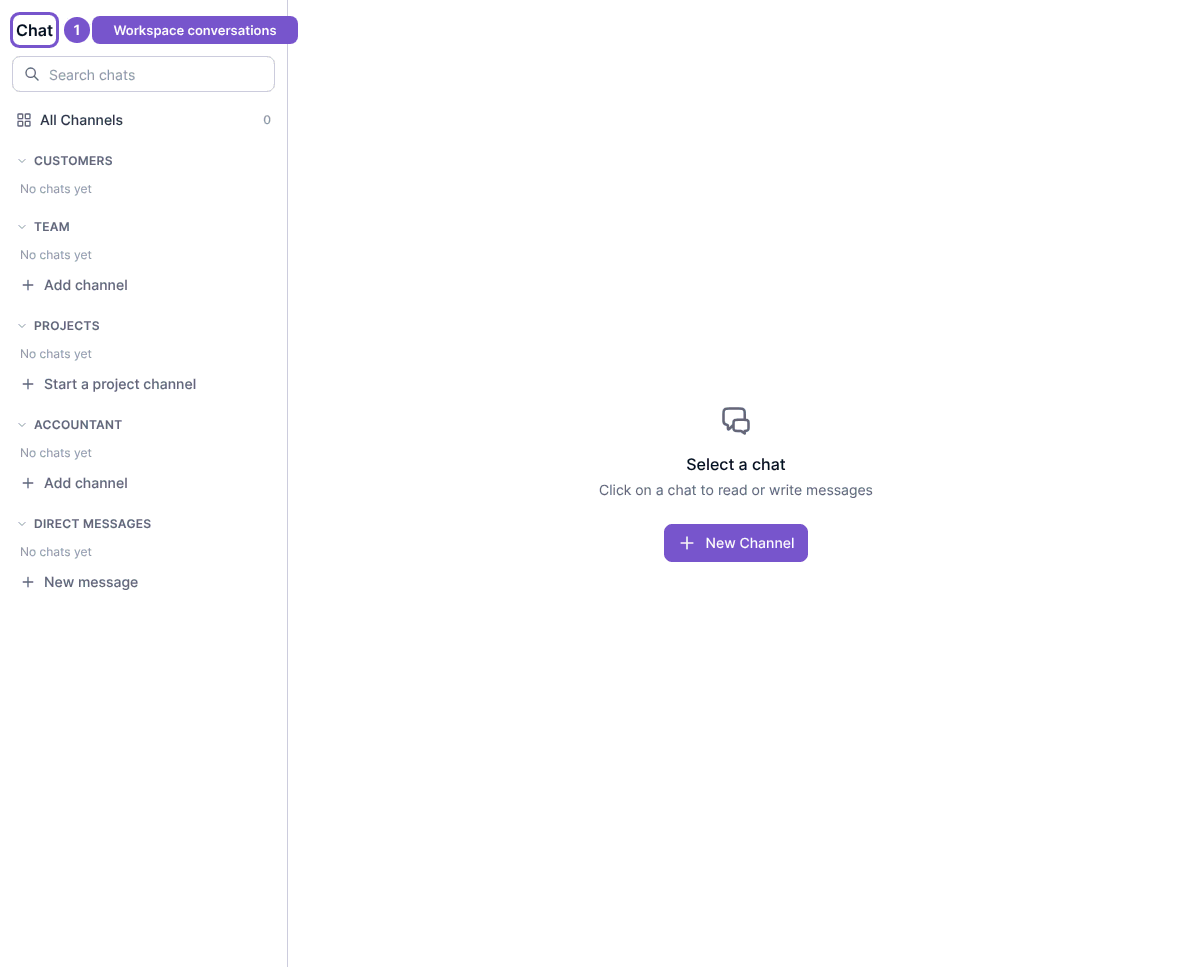
Workspace Chat brings the available conversation rooms into one sidebar.
Workspace Chat brings the available conversation rooms into one sidebar.
Find a conversation
- Open Chat in your workspace.
- Review the available sections, such as team, project and direct-message conversations.
- Select an existing conversation to read it.
Select a chat appears when no conversation is selected. Opening Chat does not create a room or send a message. If you expected a conversation that is missing, check the workspace and conversation access before creating another channel.