Review a warehouse summary and products
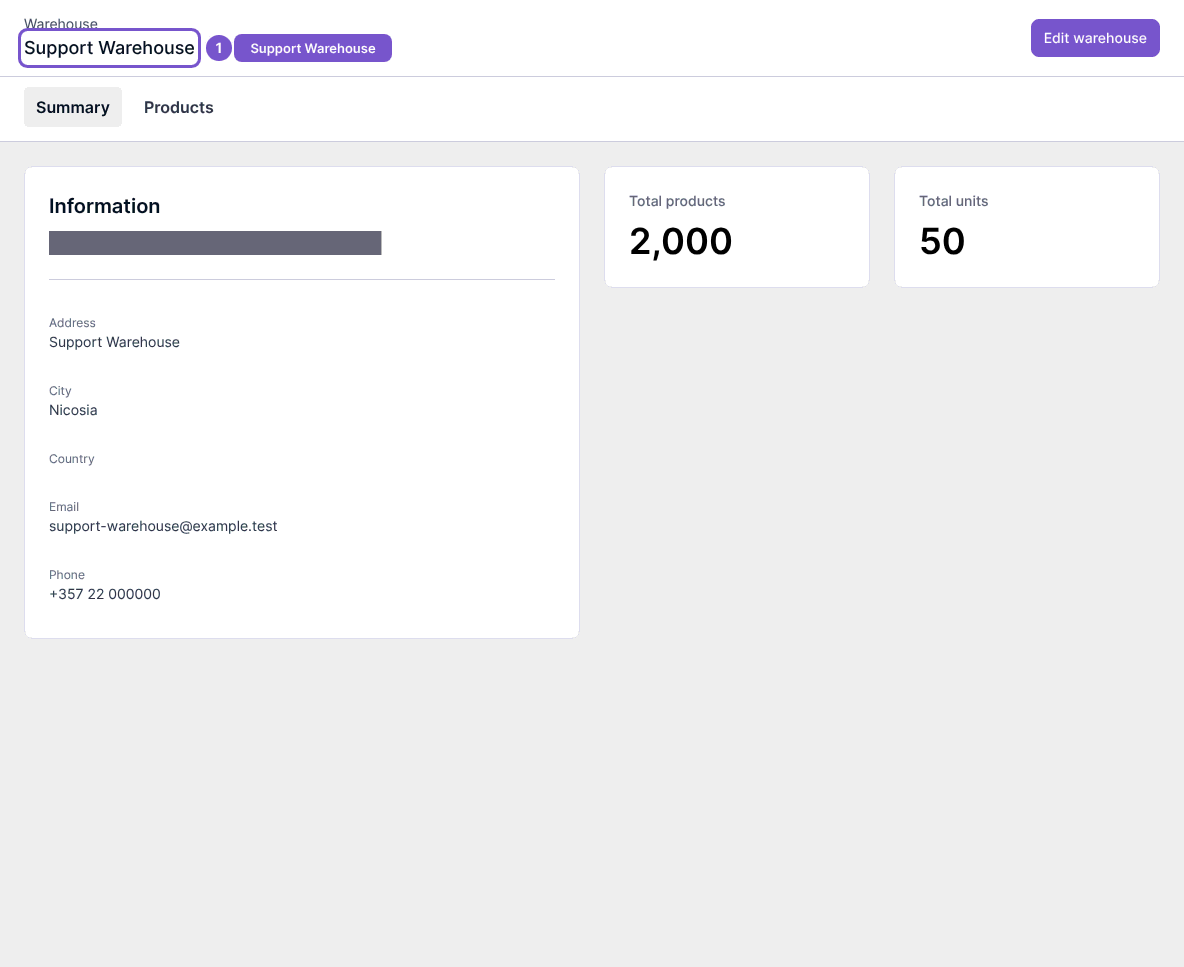
A warehouse detail page separates its Summary from its Products.
A warehouse detail page separates its Summary from its Products.
Review a warehouse
- Open the warehouse you need.
- Check its name and Summary information.
- Review the displayed product and unit totals.
- Open Products to review the products associated with that warehouse.
The two tabs belong to the same selected warehouse. Opening them does not assign a product, transfer stock or change quantities. If the warehouse is not the one you expected, return to the warehouse list before taking any action.