Review team and individual timesheets
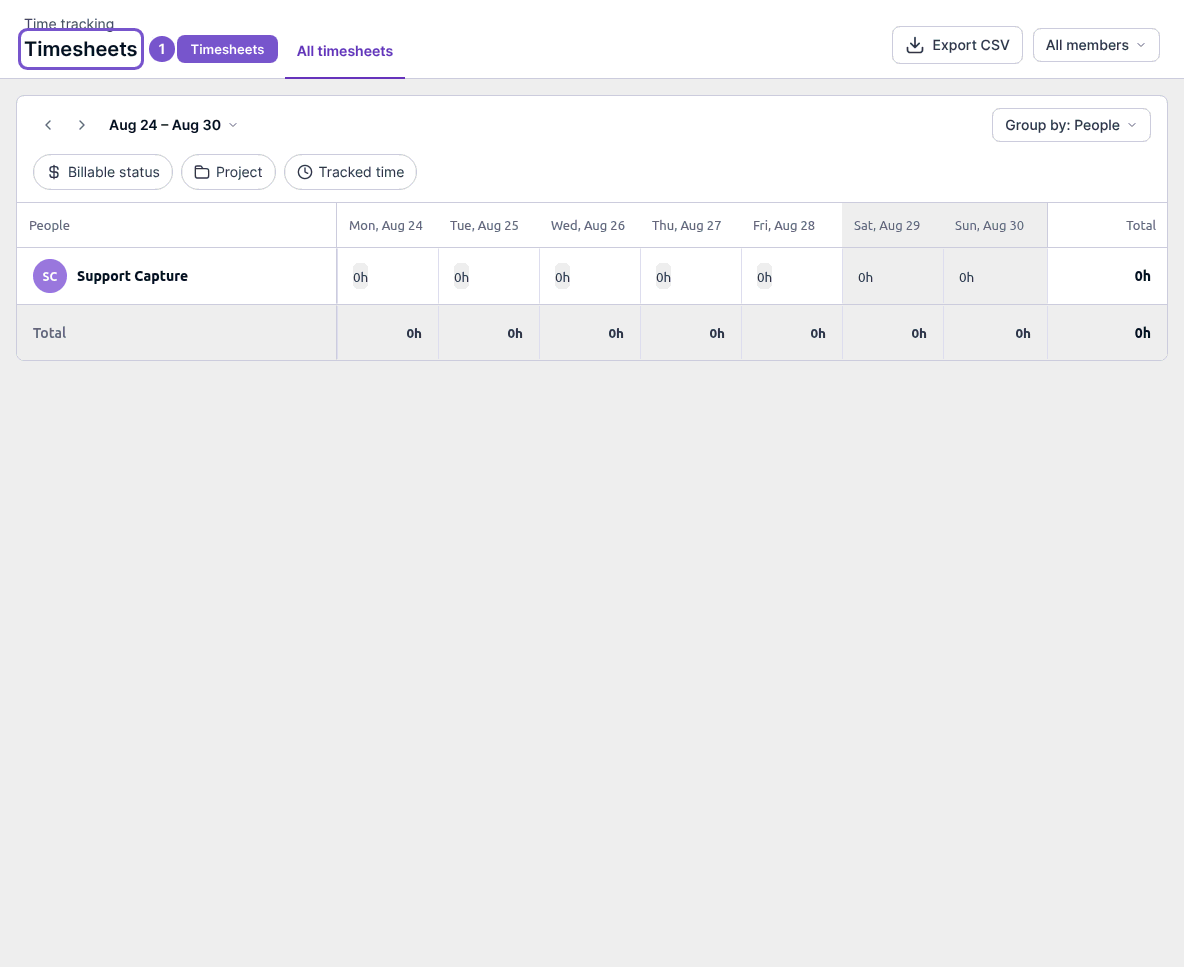
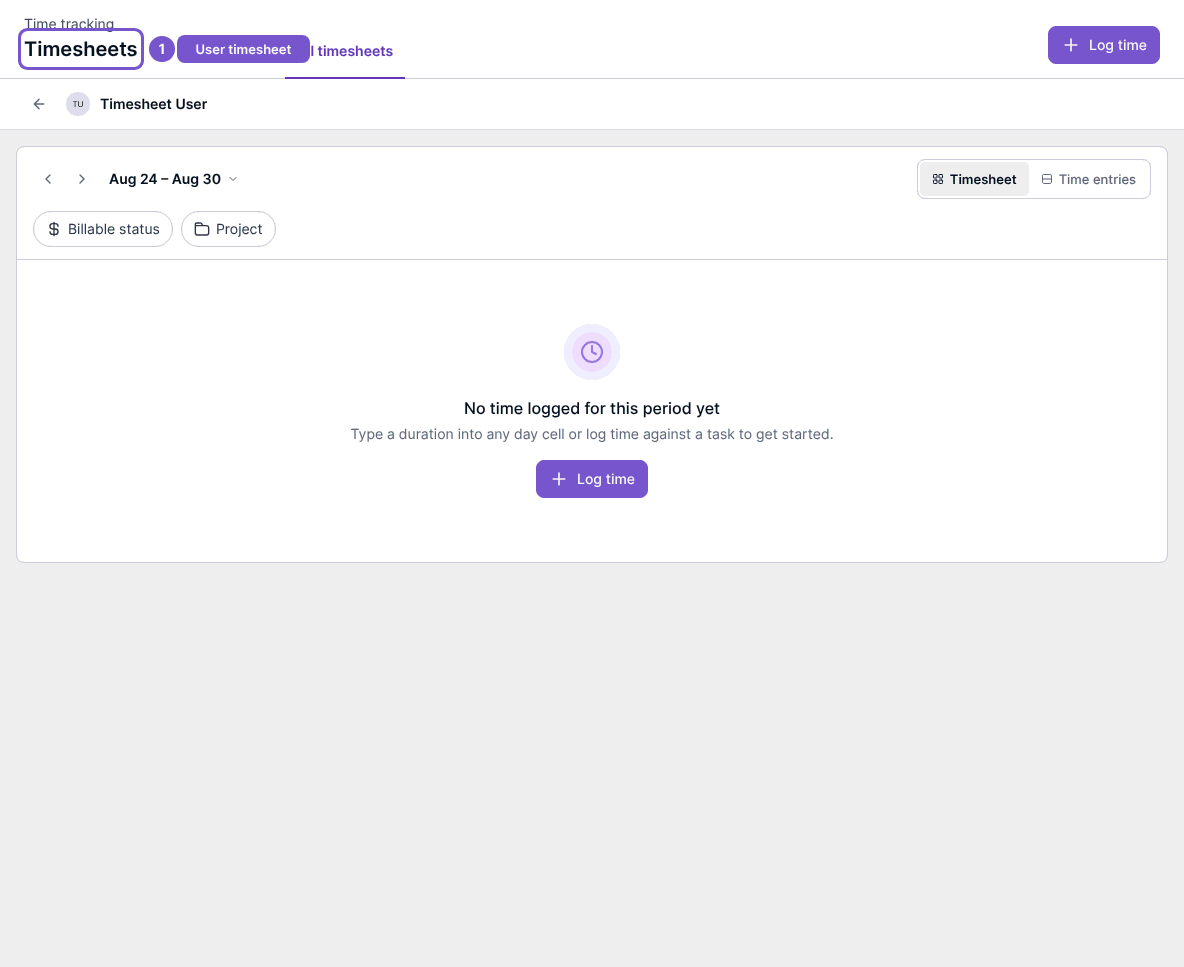
Timesheets provides a team report and a separate view for an individual team member.
Timesheets provides a team report and a separate view for an individual team member.
Review time
- Open Timesheets and choose All timesheets.
- Review the period and the people shown in the report.
- Open a specific person’s timesheet to inspect that person’s time for the period.
No time logged for this period yet refers to the selected person and period. It does not establish that no one in the workspace has logged time.
Opening either report does not start a timer, approve time or export a file. Viewing team time and editing on someone’s behalf are separate permissions.