Review VAT reporting settings
VAT settings brings the reporting calendar and filing method together.
VAT settings brings the reporting calendar and filing method together.
Review the configuration
- Open VAT settings.
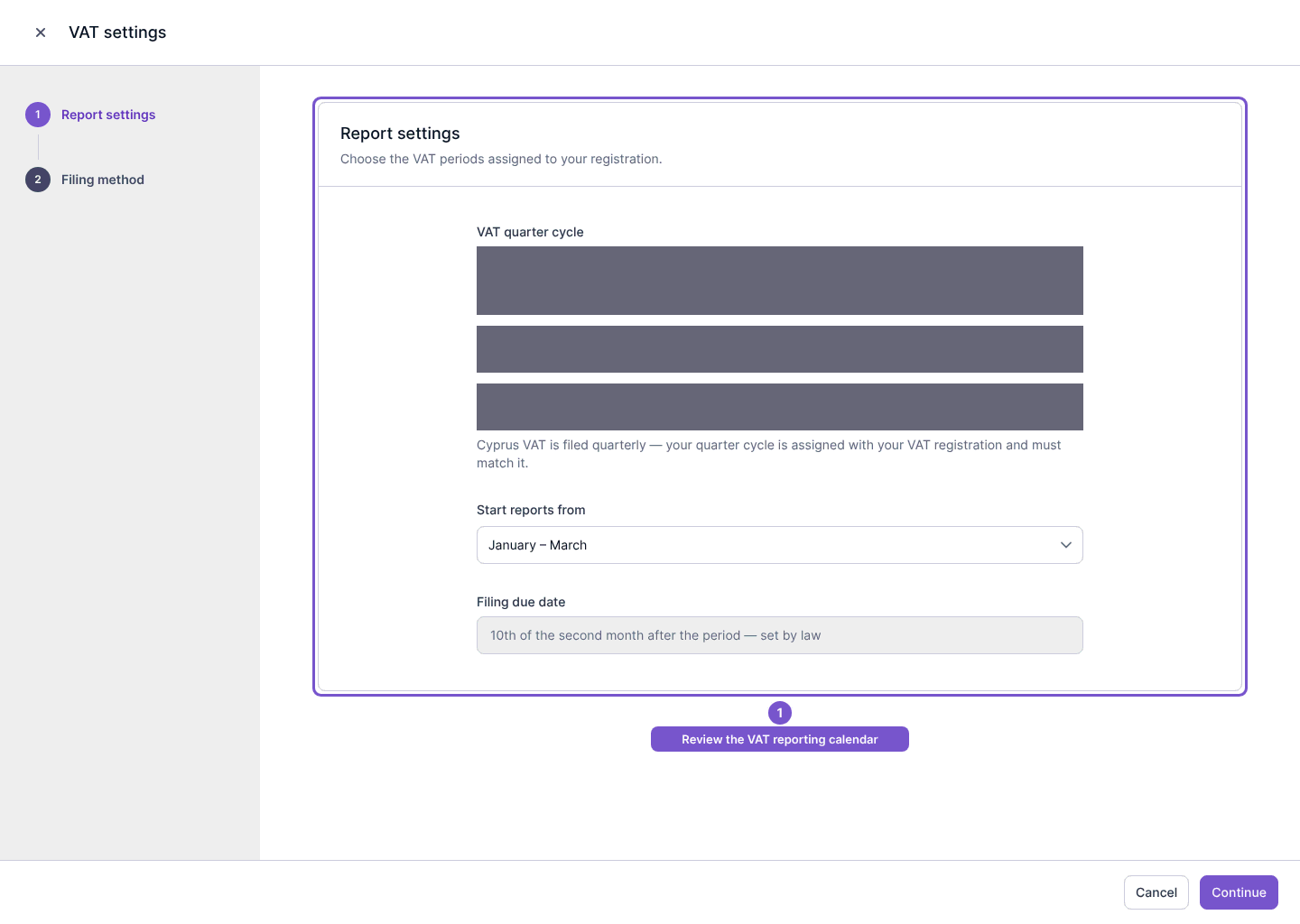
- In Report settings, check the VAT quarter cycle, reporting start and filing due date.
- Review Filing method for how the company records its filings.
Use the reporting periods assigned to your company rather than copying the example screenshot. Reading the settings does not change them. Continuing or saving is a separate step that can alter the VAT report configuration, so confirm the intended values first.