Open VAT return setup
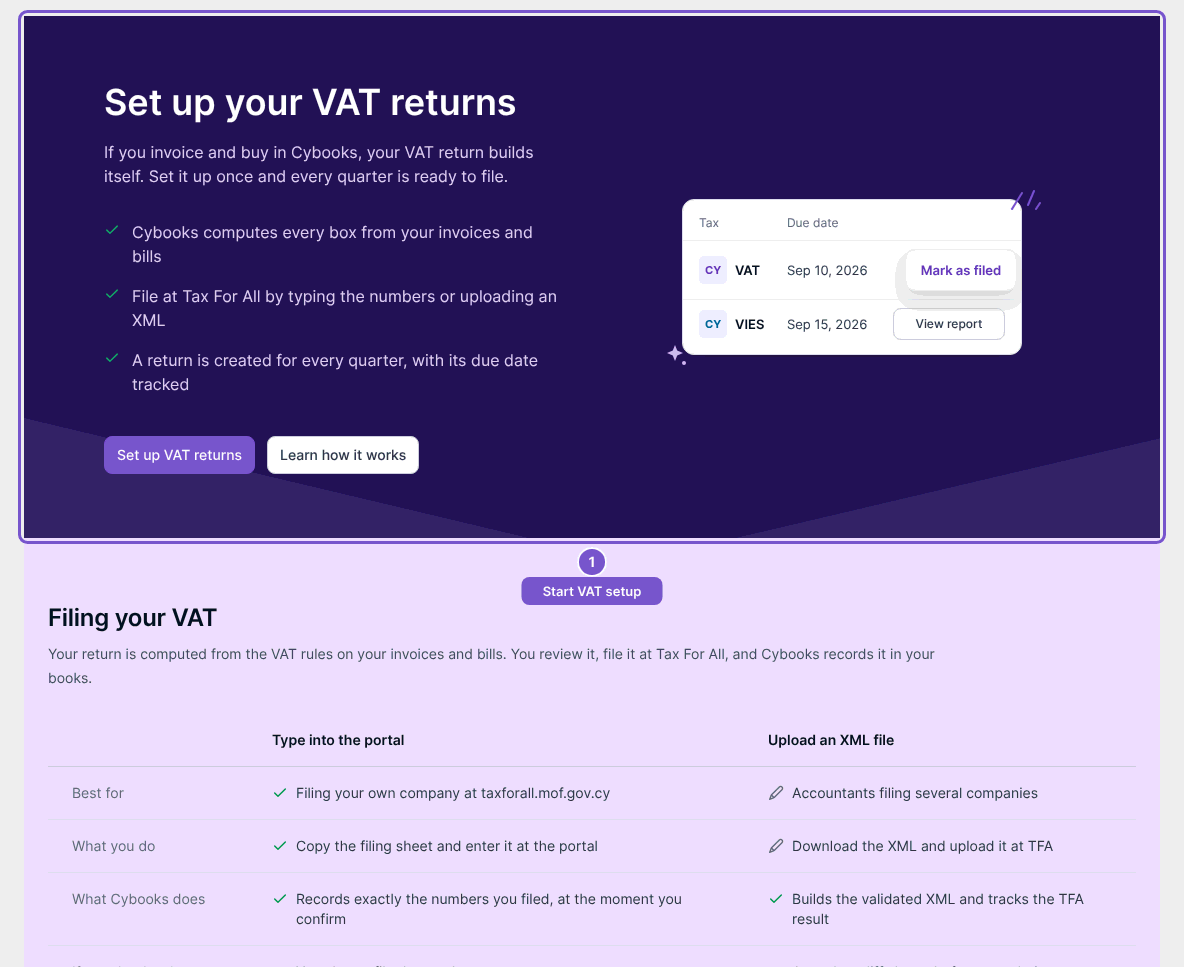
Set up your VAT returns is the first-run overview for a company that has not configured VAT reporting.
Set up your VAT returns is the first-run overview for a company that has not configured VAT reporting.
Open setup
- Open the VAT overview.
- Wait for Cybooks to check whether VAT reporting has been set up.
- If Set up your VAT returns appears, select Set up VAT returns.
- Review the setup screen before entering or saving settings.
Opening setup does not persist VAT settings. If your company is already configured, the first-run screen will not be the normal destination; use the existing VAT settings and returns instead.