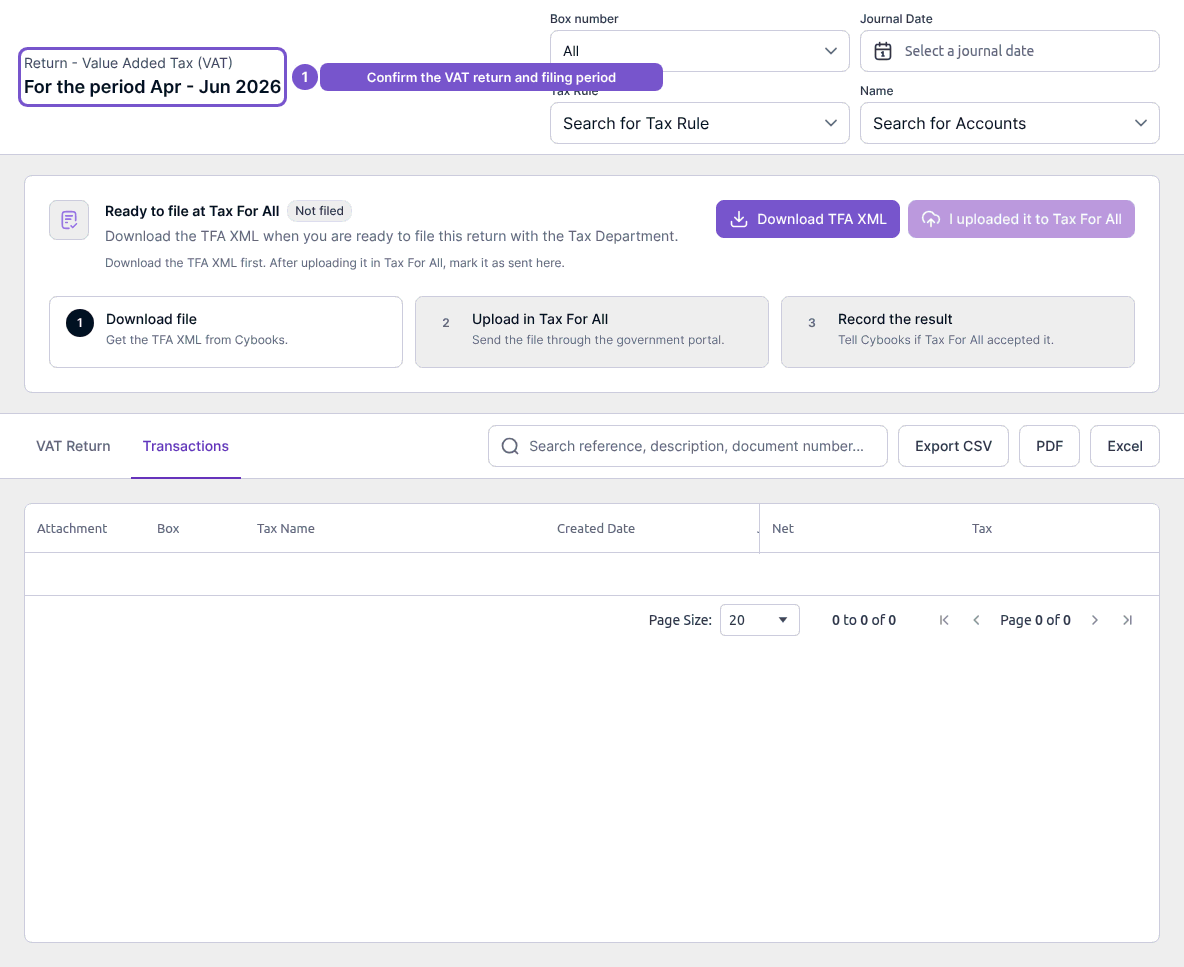
Review a return in the earlier VAT workspace
The earlier VAT review shows a selected return’s figures, transactions and exceptions.
The earlier VAT review shows a selected return’s figures, transactions and exceptions.
Check a return
- Open the existing return from VAT Returns.
- Check the return type and period at the top of the page.
- Review VAT Return for its figures.
- Open Transactions to review the underlying entries and available filters.
Viewing these areas does not change an exception or record a filing. Download and filing-result controls are separate actions. An empty transaction list can reflect the selected return or filters; check those before concluding that a transaction is missing.