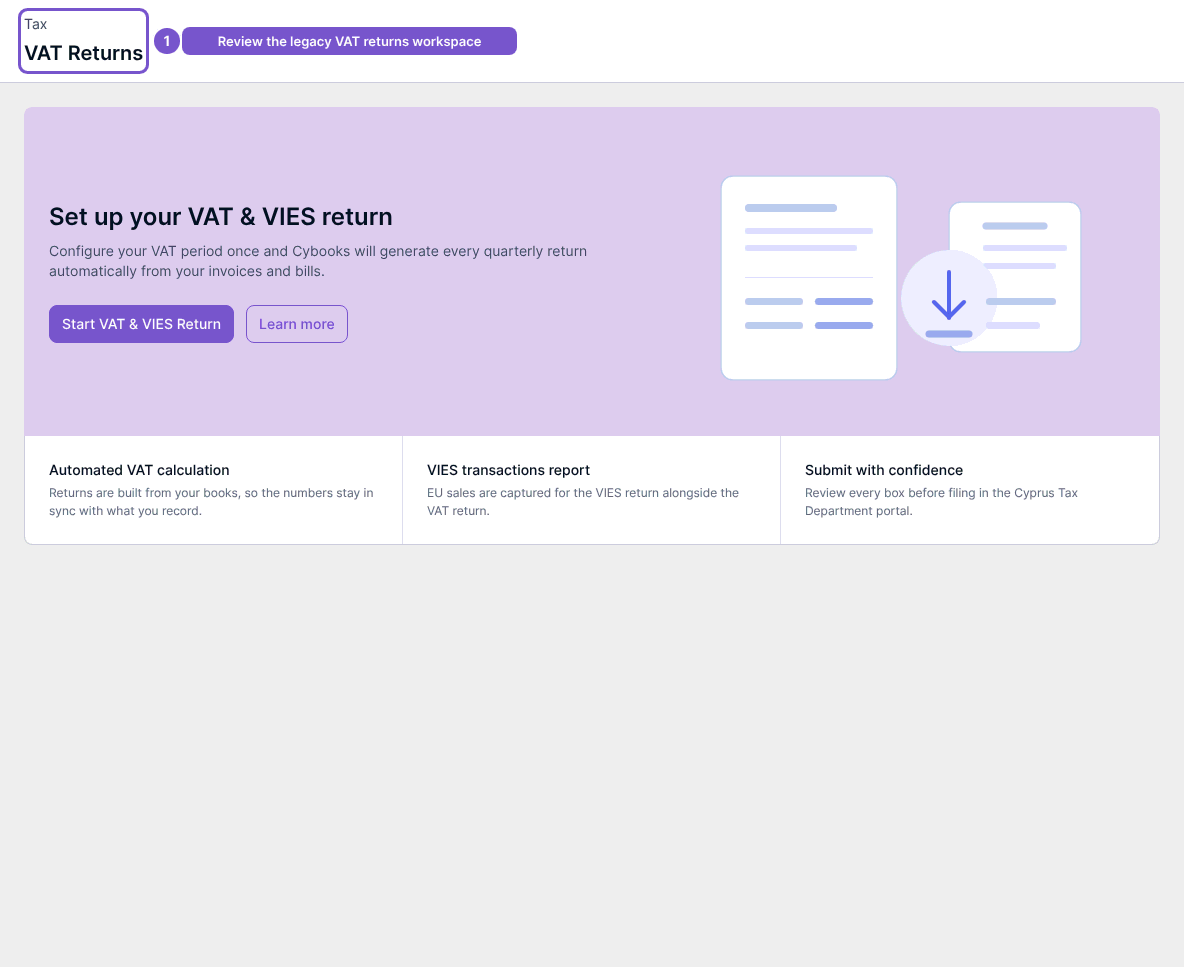
Find the earlier VAT Returns workspace
The earlier VAT Returns workspace separates return records from generated files.
The earlier VAT Returns workspace separates return records from generated files.
Review the workspace
- Open VAT Returns from the tax navigation available to your company.
- Review the return list.
- Use the files area when you need to review generated filing files.
When no returns have been configured, the page displays Set up your VAT & VIES return. Viewing that message does not start setup or file a return.
The earlier workspace is available only where enabled. If your company uses the newer VAT overview instead, use its return and filing destinations rather than constructing a link to the earlier screens.