Find completed VAT and VIES filings
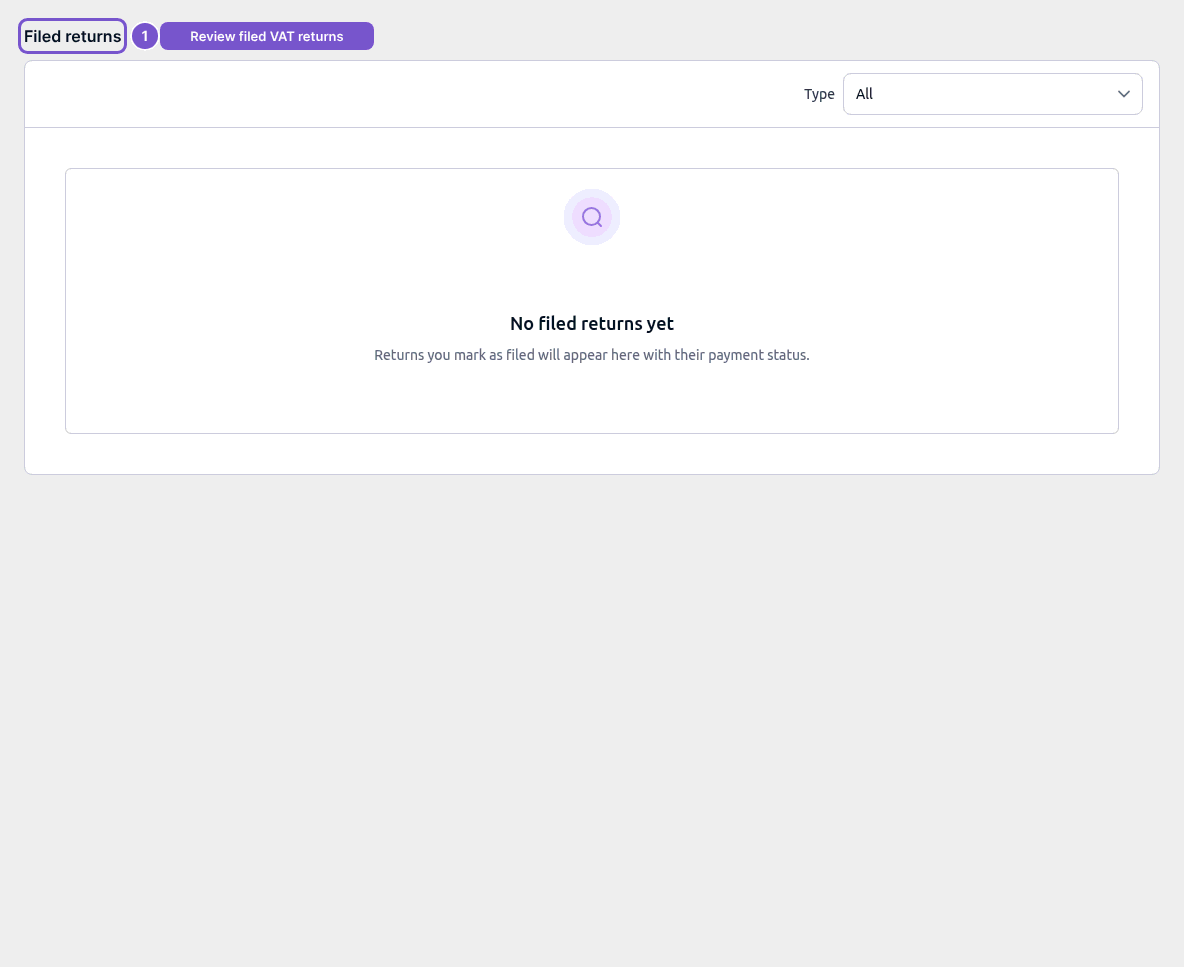
Filed returns lists completed VAT and VIES filings together with their payment status.
Filed returns lists completed VAT and VIES filings together with their payment status.
Review filed returns
- Open Filed returns in the tax workspace.
- Check the Type selection to distinguish the filing types.
- Review the completed return and its payment status.
No filed returns yet means there are no completed filings in the current list. Reading this page does not file a draft, change a filing or start an export. A filing’s completion and its payment status are separate information, so check both when following up.