Review and record a VAT filing
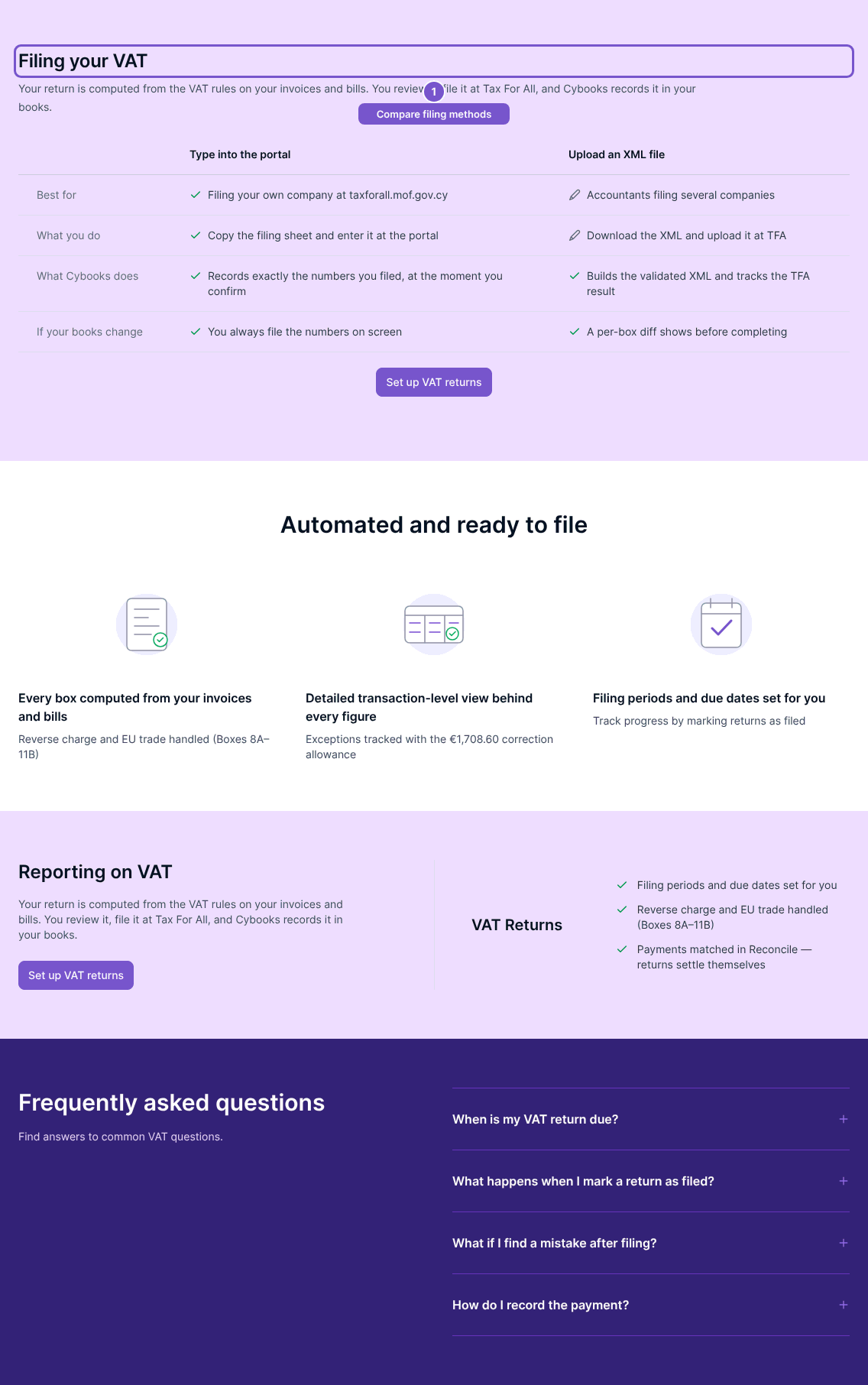
Review your VAT return in Cybooks, complete the filing in Tax For All, then record the result using the appropriate filing method.
Review your VAT return in Cybooks, complete the filing in Tax For All, then record the result using the appropriate filing method.
Review the return
- Open the VAT return and select Review.
- Check the period and figures, and resolve outstanding exceptions.
- Use the filing method configured for your return.
Record a portal filing
For a return filed by entering figures in Tax For All, use Mark as filed after completing the external filing. This records a snapshot of the current figures and completes the return. It can create a control-to-liability journal when VAT payable or refundable is non-zero.
Record an XML filing
- Select Download TFA XML to prepare the return’s filing file.
- Upload the file in Tax For All.
- In Cybooks, select I uploaded it to Tax For All.
- Record Accepted or Rejected according to the result from Tax For All.
Downloading the XML creates a pending filing snapshot. It does not complete the return. Acceptance finalises from that exact snapshot; rejection leaves the return in draft. Do not mark acceptance merely because a download succeeded.
If figures changed after downloading, review the stale-filing warning before confirming a result. Resolve open exceptions and any unrecorded XML filing rather than switching methods to bypass them.