Review and mark an OSS return as submitted
OSS Returns separates setting up OSS reporting from reviewing and finalising a quarterly return.
OSS Returns separates setting up OSS reporting from reviewing and finalising a quarterly return.
Set up and review
- Open OSS Returns.
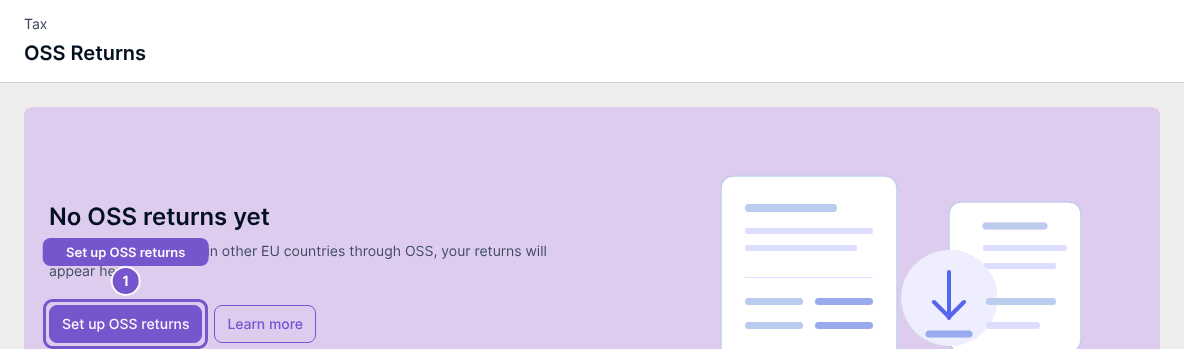
- If OSS has not been configured, use Set up OSS returns to open setup.
- For an available return, use Review to open its lines.
- Check the quarter and figures before using Mark as submitted.
Setup saves company OSS settings. Mark as submitted is a separate action: Cybooks refuses to finalise a quarter that is still open and rebuilds the return lines before finalising. A non-zero total OSS VAT amount produces a liability journal after the quarter ends.
Opening the list or review does not submit anything to a tax portal. Record submission only after the external filing has been completed. If finalisation is unavailable, check both the quarter end and your update access.