Find a SyncUp call
SyncUp has separate entry points for signed-in workspace members and guests using a call link.
SyncUp has separate entry points for signed-in workspace members and guests using a call link.
Check the call screen
- Open the SyncUp destination supplied for your call.
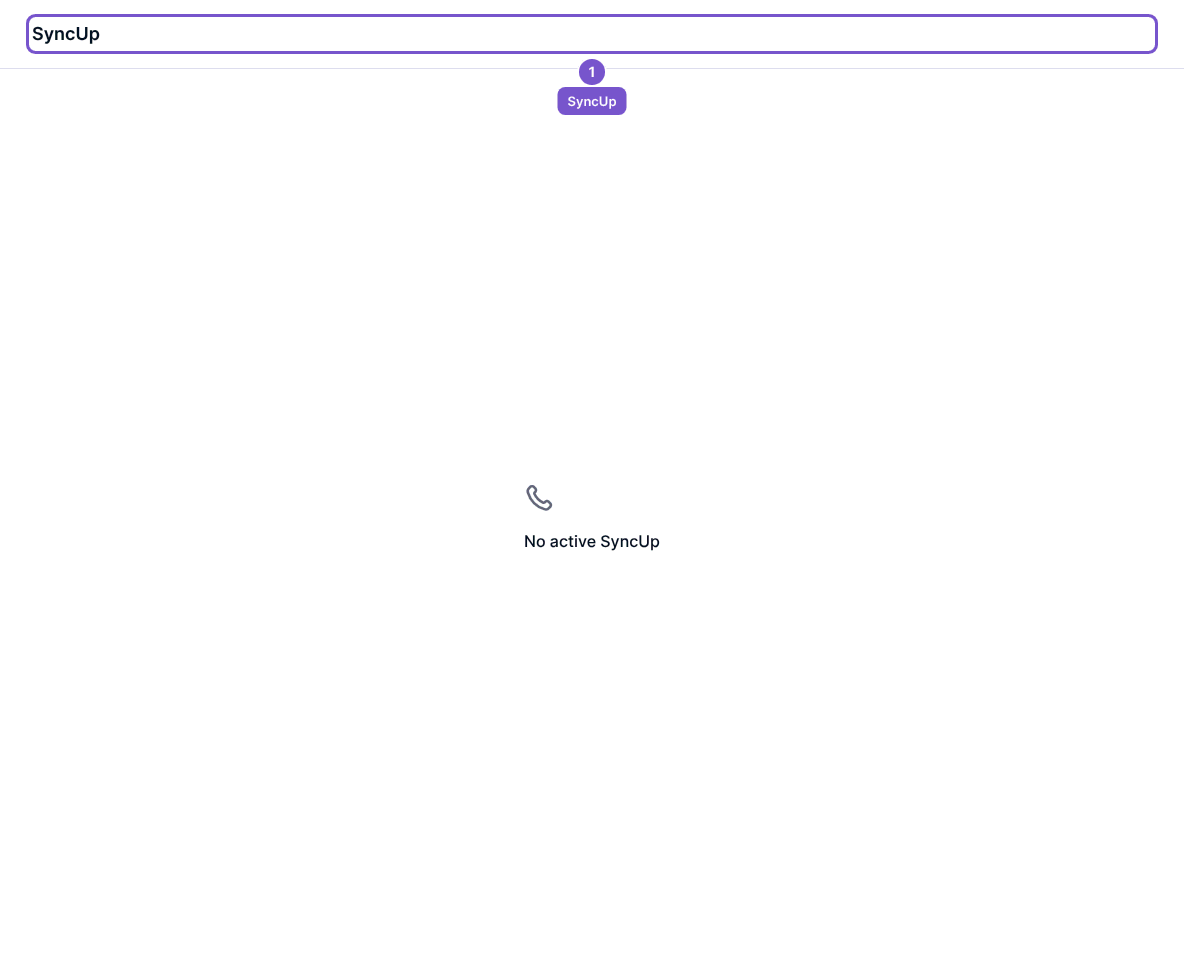
- Check whether a call is active.
- If the page says No active SyncUp, confirm the call details with its organiser.
Seeing the page does not establish that you have joined a call or granted camera and microphone access. Guest links and workspace access are separate; use the entry point intended for you.