Review a plan before buying
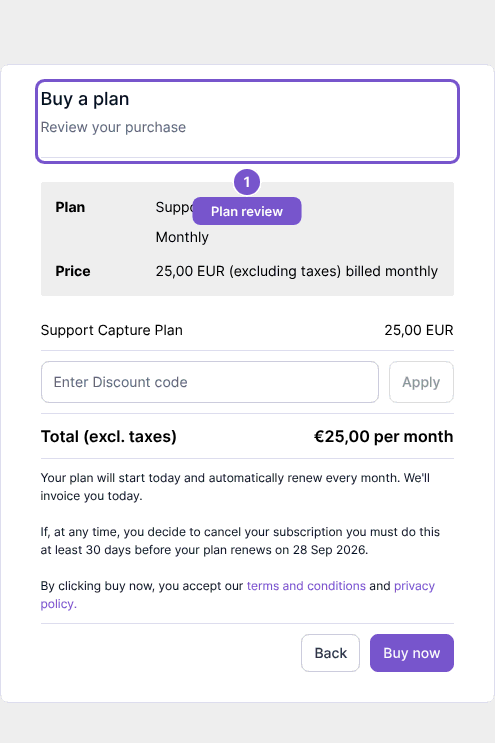
Buy a plan shows the selected plan and purchase summary before confirmation.
Buy a plan shows the selected plan and purchase summary before confirmation.
Review your purchase
- Open checkout from the plan you selected.
- Check the plan name, billing interval and price.
- Review the total before using Buy now.
Opening this page does not buy a plan, apply a discount code or submit billing details. Prices in the illustration are examples; use the values shown in your own checkout. If the selected plan is wrong, return to plan selection rather than confirming it.