Review project workflows
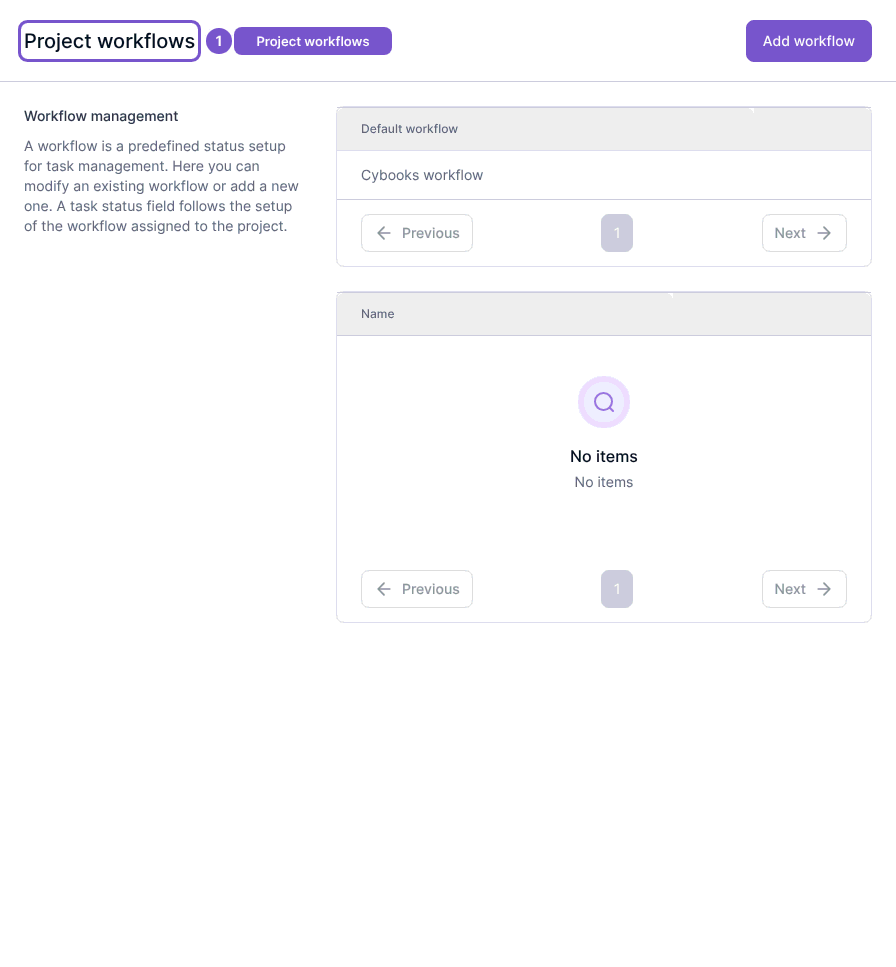
Project workflows lists the status workflows available for project work and identifies the default workflow.
Project workflows lists the status workflows available for project work and identifies the default workflow.
Review the list
- Open Project workflows in Settings.
- Check the Default workflow selection.
- Review the named workflows in the list.
Workspace members can read this list. Adding or updating a workflow requires the relevant workflow access. Merely opening the page does not change the default or modify project statuses.