Review text templates for documents and emails
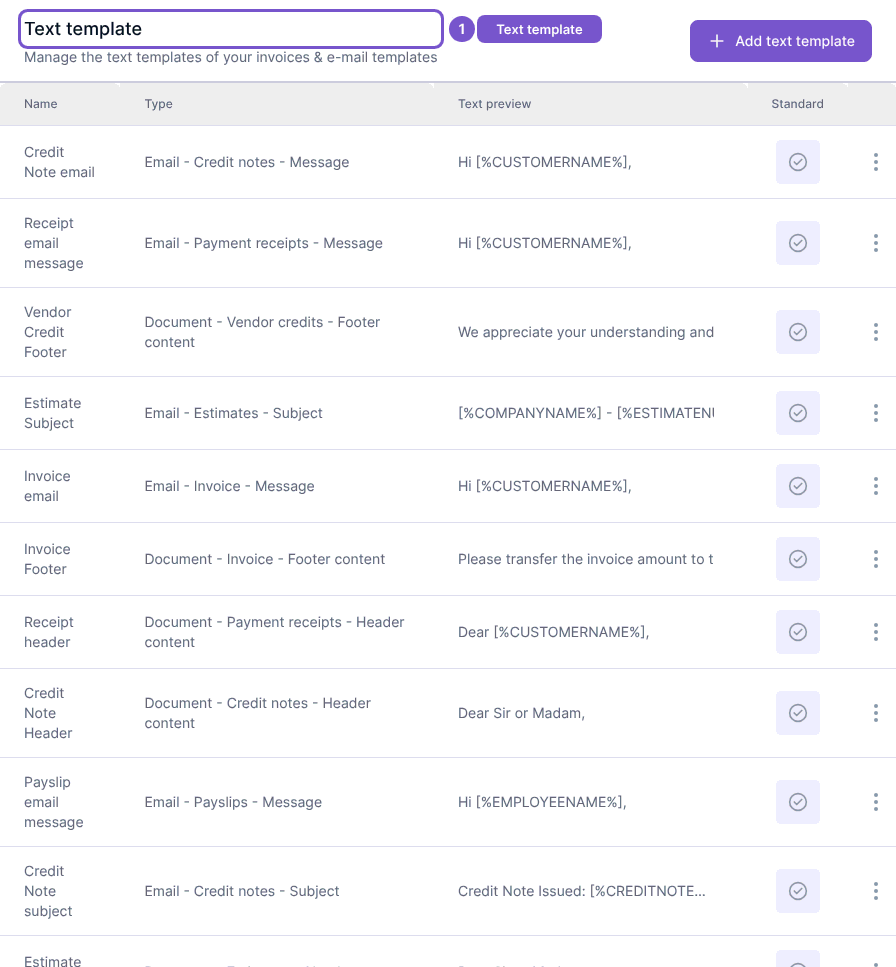
Text template lists reusable text for documents and email messages.
Text template lists reusable text for documents and email messages.
Review a template
- Open Text template in Settings.
- Locate the entry by its name and type.
- Review Text preview and whether the entry is marked Standard.
Templates belong to your workspace and can appear in customer-facing documents or emails. Opening the list does not change a template or its default status. Use the create or edit form only when you intend to change that wording.