Review IP Box settings
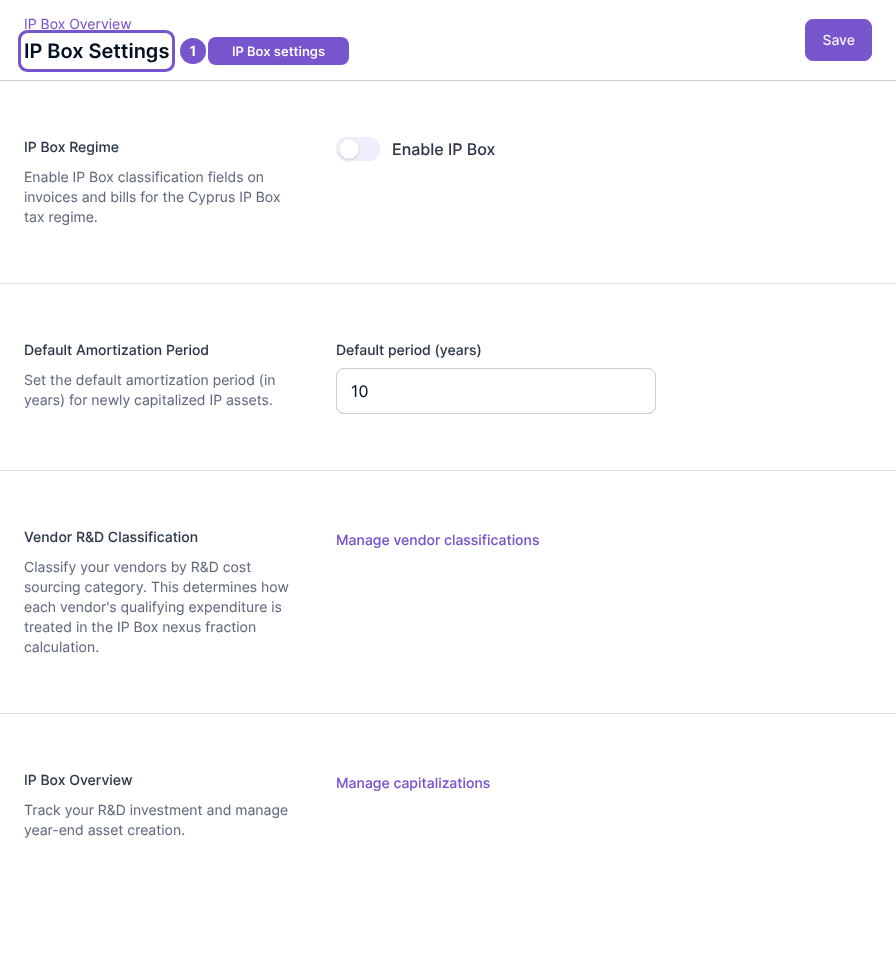
IP Box Settings shows the IP Box Regime controls for your company.
IP Box Settings shows the IP Box Regime controls for your company.
Review the configuration
- Open IP Box Settings.
- Review Enable IP Box and the default amortization period.
- Use the displayed vendor-classification or capitalization destinations when you need to review those separate areas.
Opening this page does not enable the regime or save a new period. Save requires update access. Treat these as company tax-related settings and confirm the intended configuration with the person responsible for your accounts before changing it.