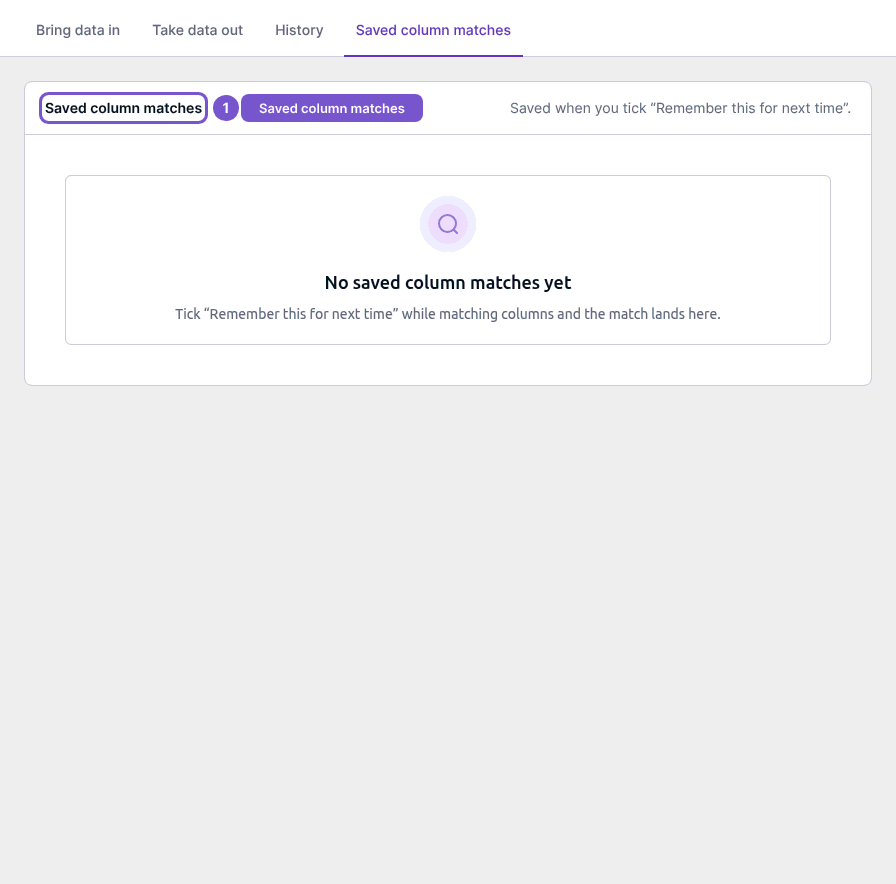
Find imports, exports and saved column matches
Import and export settings separates bringing records into Cybooks from taking a copy out.
Import and export settings separates bringing records into Cybooks from taking a copy out.
Choose the right area
- Open Bring data in to choose an import.
- Open Take data out to review the export types available to you.
- Open Saved column matches to review previously saved import mappings.
Imports can create or update business and accounting records after preview and explicit confirmation. Opening the chooser does not upload a file or commit an import.
An export is prepared as a background job, then requires an explicit download after it finishes. Opening Take data out does not start an export.
No saved column matches yet means there are no saved mappings to reuse. Viewing that register does not rename or delete an existing mapping.