Review Document Templates
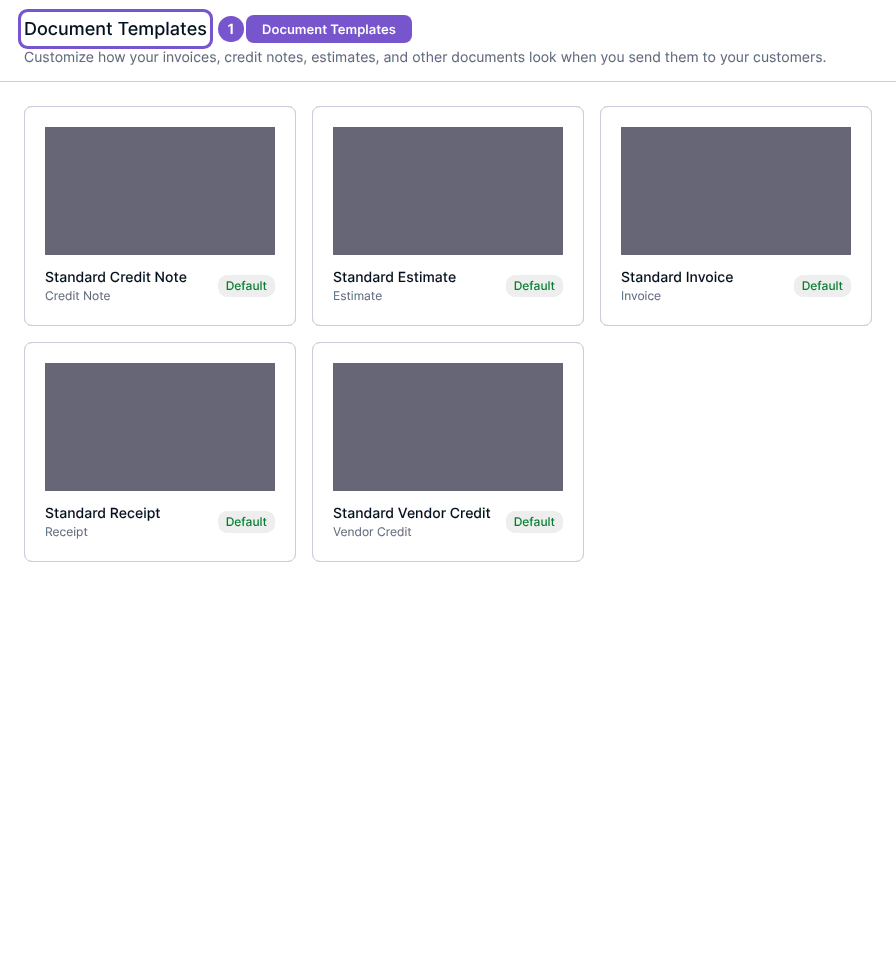
Document Templates is the catalog of presentation templates used for documents sent to customers and suppliers.
Document Templates is the catalog of presentation templates used for documents sent to customers and suppliers.
Review the catalog
- Open Document Templates in Settings.
- Identify the document type on each template card.
- Check the Default marker when choosing which template to review.
Opening the catalog does not update a layout, reset a template, upload a logo or generate a new preview. Editing needs template-update access; resetting requires reset access. Ask an administrator to check those permissions if you can see a template but cannot change it.