Review Custom Fields
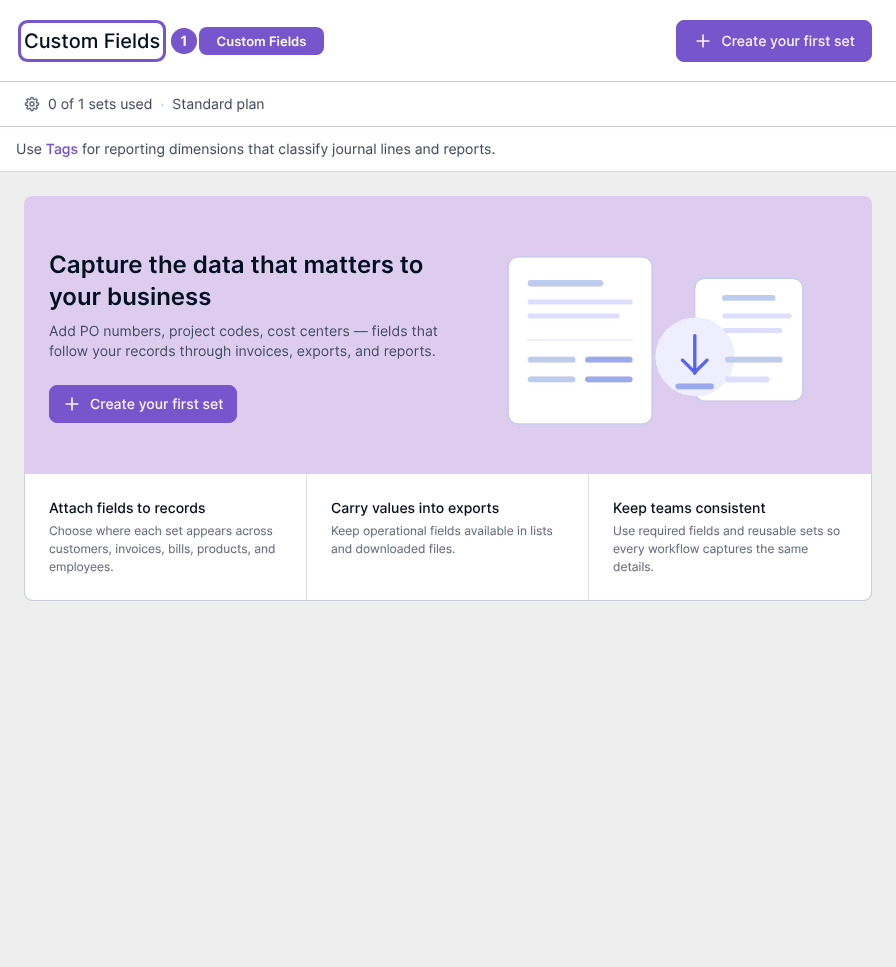
Custom Fields holds the additional fields attached to business records.
Custom Fields holds the additional fields attached to business records.
Review field sets
- Open Custom Fields in Settings.
- Review the available field sets and the usage shown for your plan.
- Open an existing set only when you intend to review its configuration.
Create your first set appears when no sets exist. Creating and editing field sets require the same custom-field access and plan feature. Viewing the list does not add a field, change its order or alter values on existing records.
Custom Fields and Tags serve different purposes; the page points to Tags for reporting dimensions. Check the intended use before changing a field set.