Review your workspace currencies
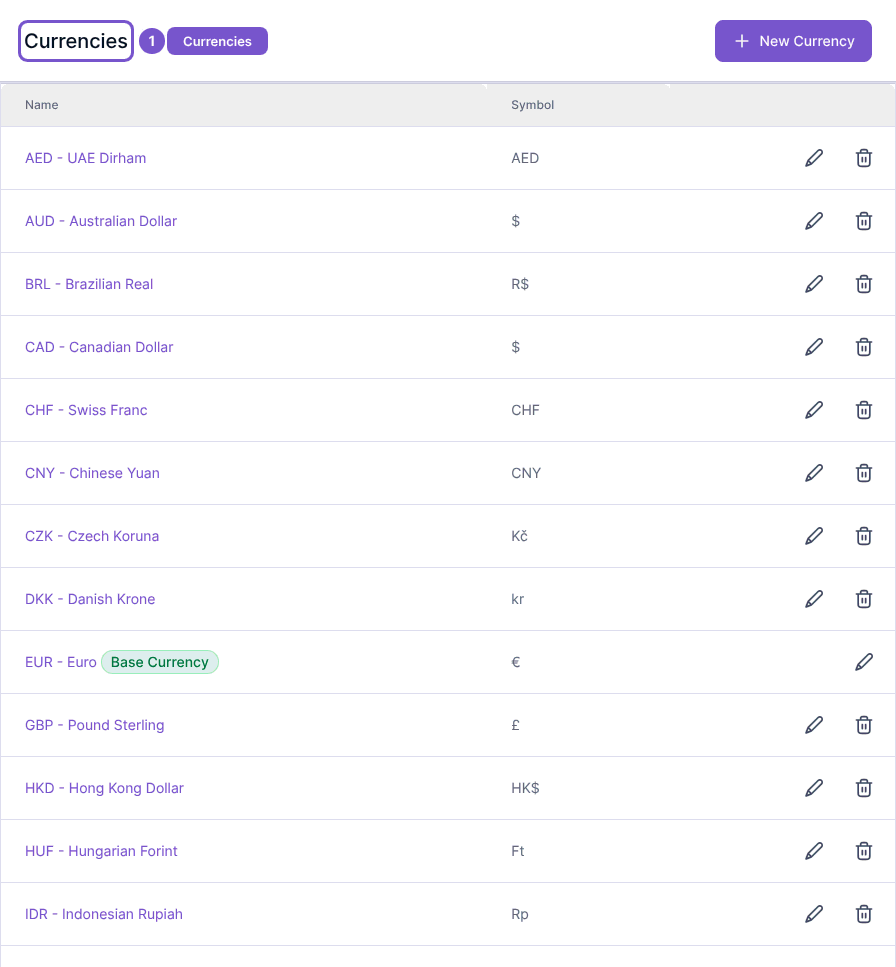
Currencies lists the currency names and symbols configured for your workspace, including the currency marked Base Currency.
Currencies lists the currency names and symbols configured for your workspace, including the currency marked Base Currency.
Review the register
- Open Currencies in Settings.
- Find the currency you need in the list.
- Check which entry is marked Base Currency.
Opening the register does not add a currency or change the base currency. Currency changes can affect documents and accounting, so viewing the list is separate from editing currency settings. If an add or edit control is unavailable, ask an administrator to check your access rather than assuming the list is read-only for everyone.