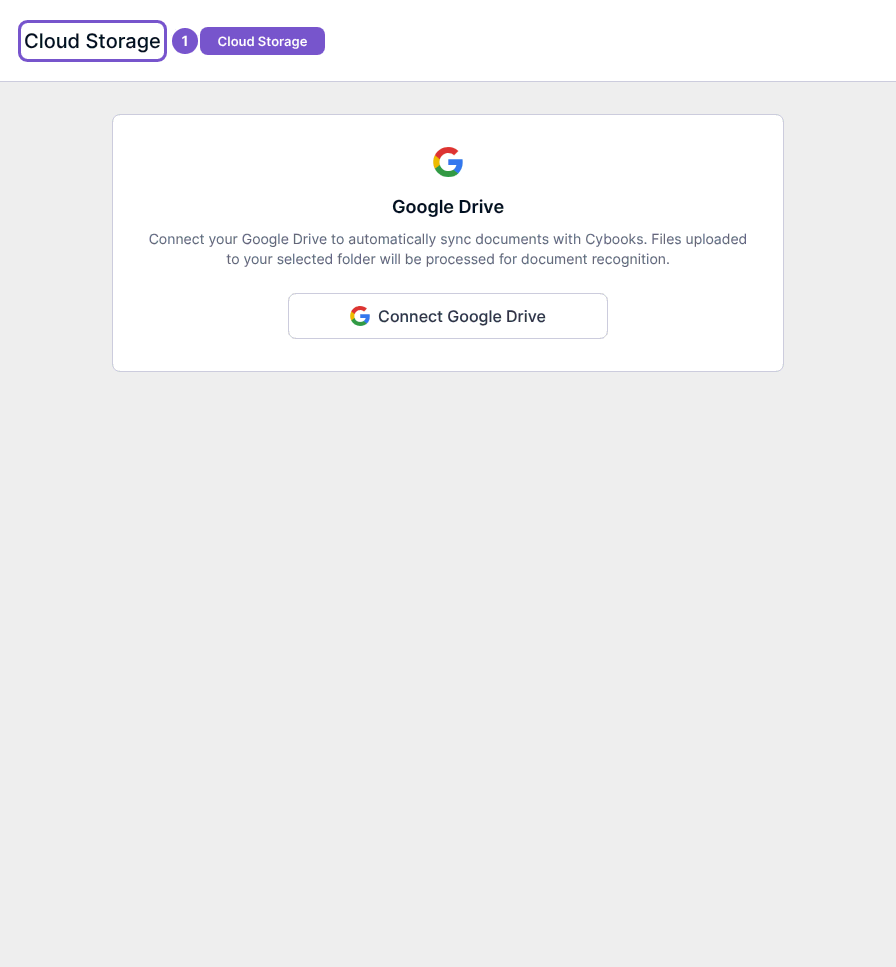
Review the Cloud Storage connection screen
Cloud Storage shows the Google Drive connection state for your workspace.
Cloud Storage shows the Google Drive connection state for your workspace.
Check the connection state
- Open Cloud Storage in Settings.
- Review the Google Drive panel.
- If it displays Connect Google Drive, the connection has not been completed.
Connecting, choosing a folder, refreshing, syncing and disconnecting are separate actions. Opening the disconnected page does not authorize Google Drive or sync documents. Select a connection action only when you intend to give the workspace access to the relevant storage account.