Recognize an already-paid online invoice
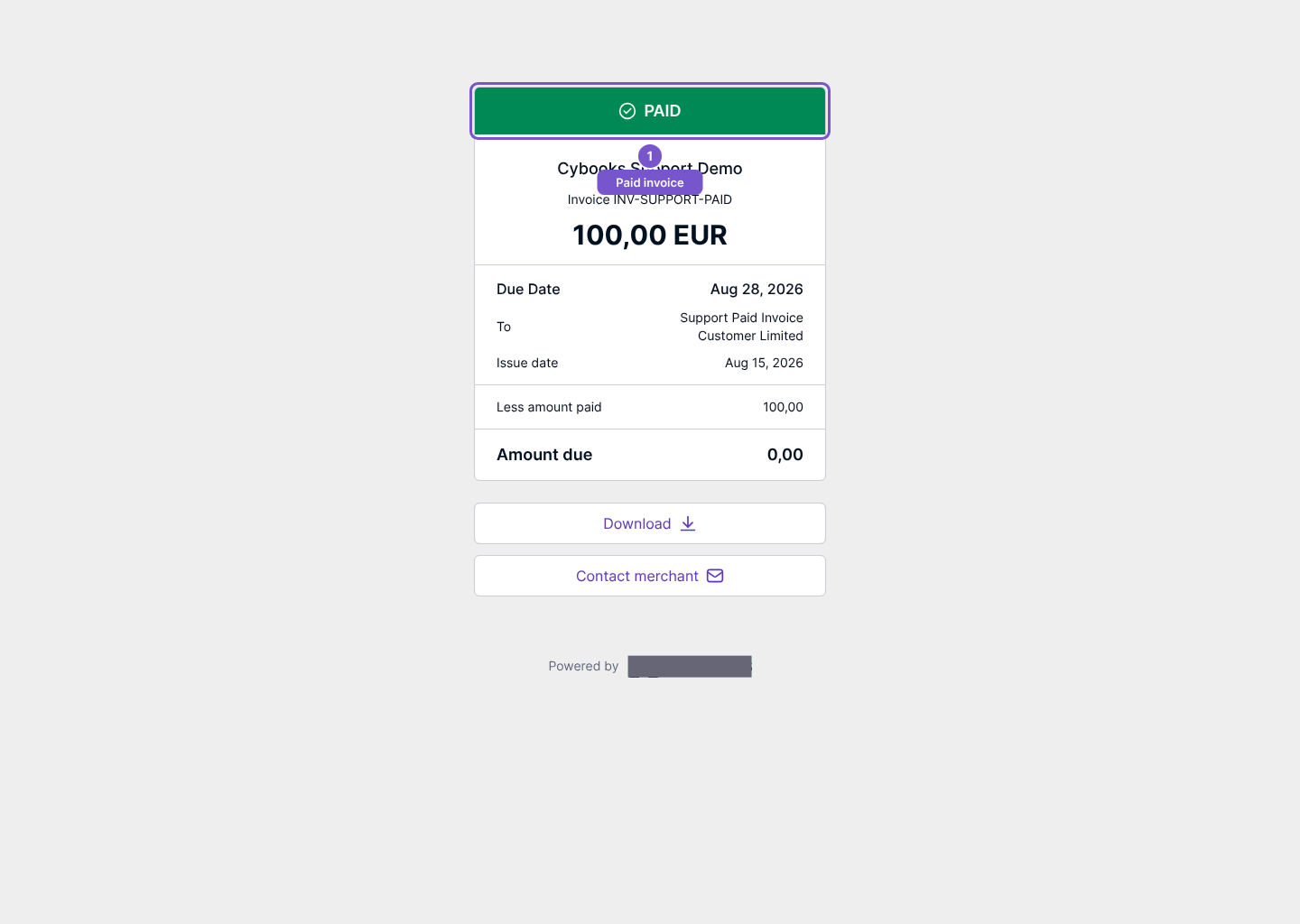
An invoice that has already been paid shows a PAID confirmation when you open its online payment page.
An invoice that has already been paid shows a PAID confirmation when you open its online payment page.
Check the invoice
- Open the invoice’s payment link.
- Check the seller, invoice reference and PAID status.
- Review the amount due before deciding whether any further action is needed.
For an already-paid invoice, this page does not start a new card-payment request. The illustrated page shows a paid invoice and a zero amount due; it is not an instruction to make another payment.
The link grants access to that invoice, so share it only with the intended recipient. If the invoice or amount is unexpected, use the seller’s contact details to resolve it before attempting payment.