Find projects, tasks and project documents
Projects brings project work into one place. Start with the project list, then open the project whose work you want to review.
Projects brings project work into one place. Start with the project list, then open the project whose work you want to review.
Review a project workspace
- Open Projects.
- Select an existing project.
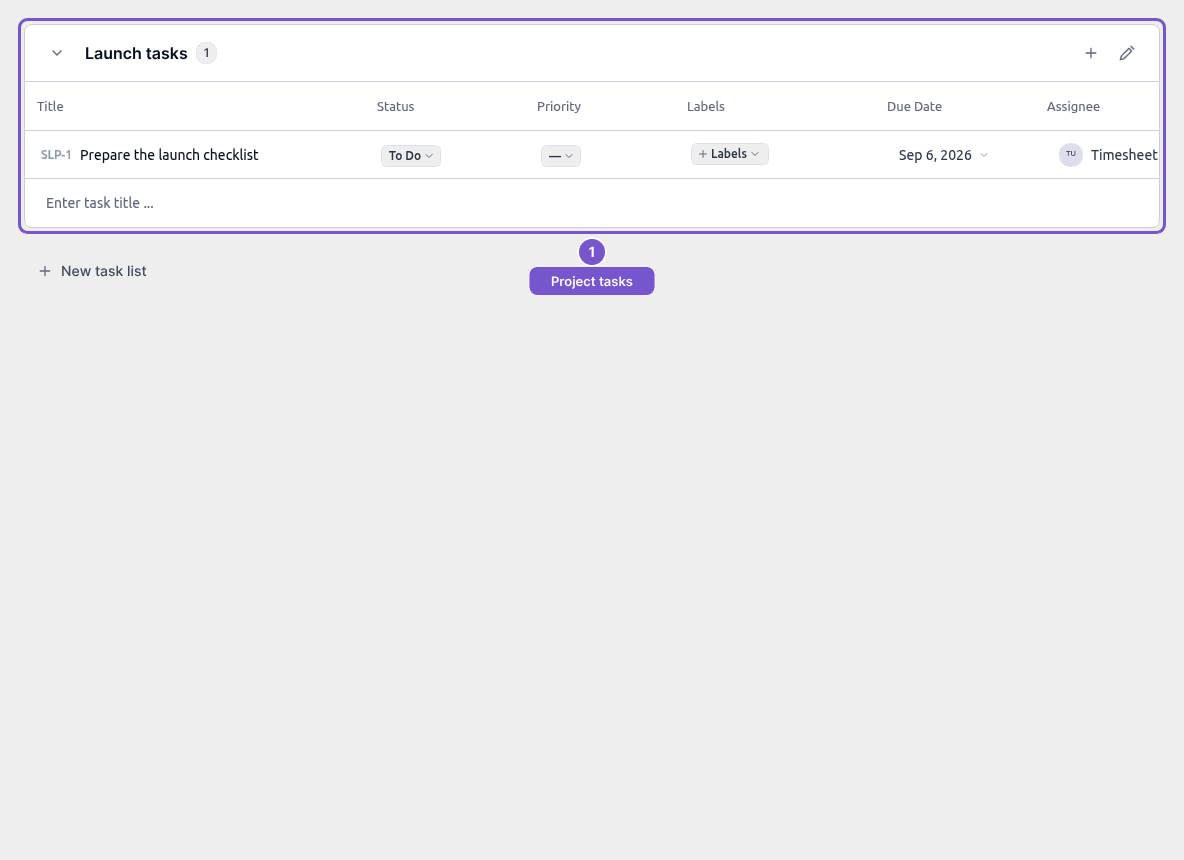
- Review its task List. The same project also has Chat, Milestones and Time logs destinations.
Opening these destinations does not create a task, start a timer or send a message.
Review project settings
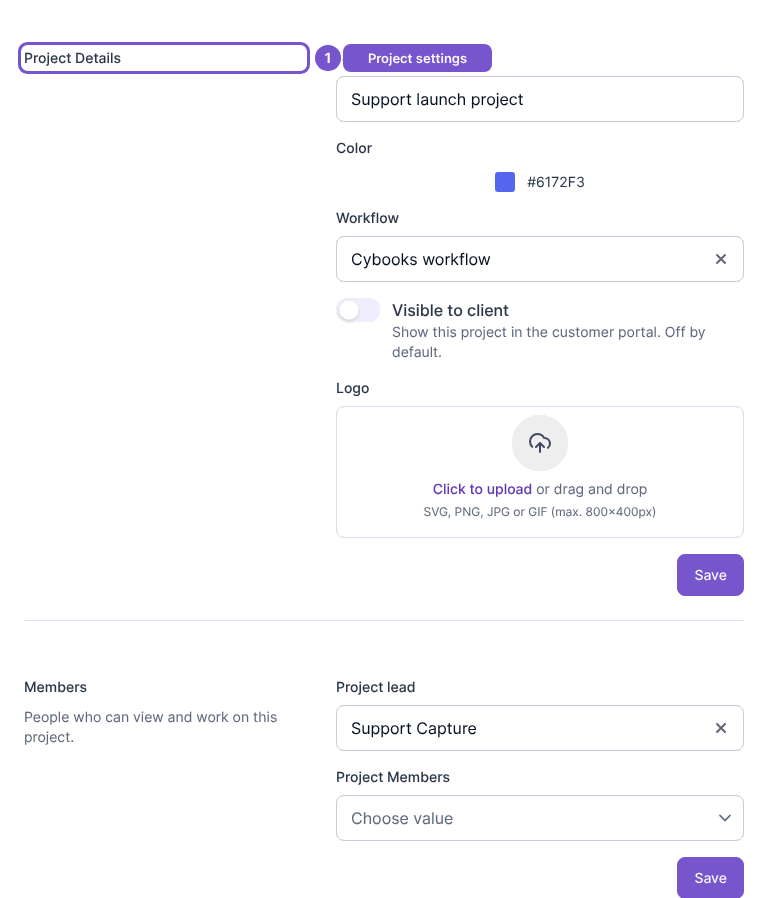
Open the selected project’s settings to review Project Details. Information, Notifications and Integrations refer to that same project. Saving details, changing members or connecting an integration are separate actions.
Find project documents
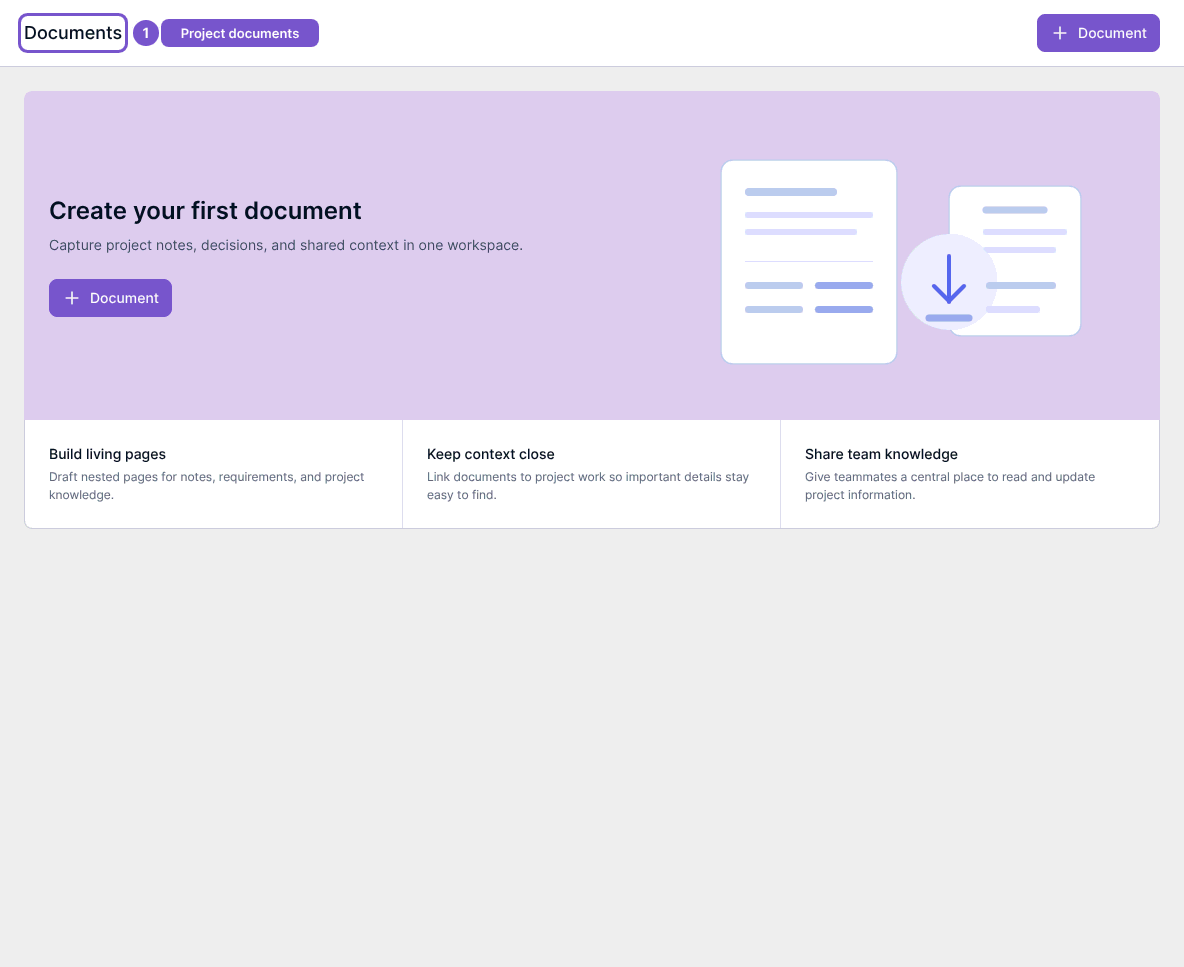
Open Documents in project management to review the document list. Create your first document appears when there are no documents to show. Reading this page does not create or share a document.
If a project action is missing, check your project access with a workspace administrator; creating, updating and deleting projects have separate permissions.