Review requests from your accountant
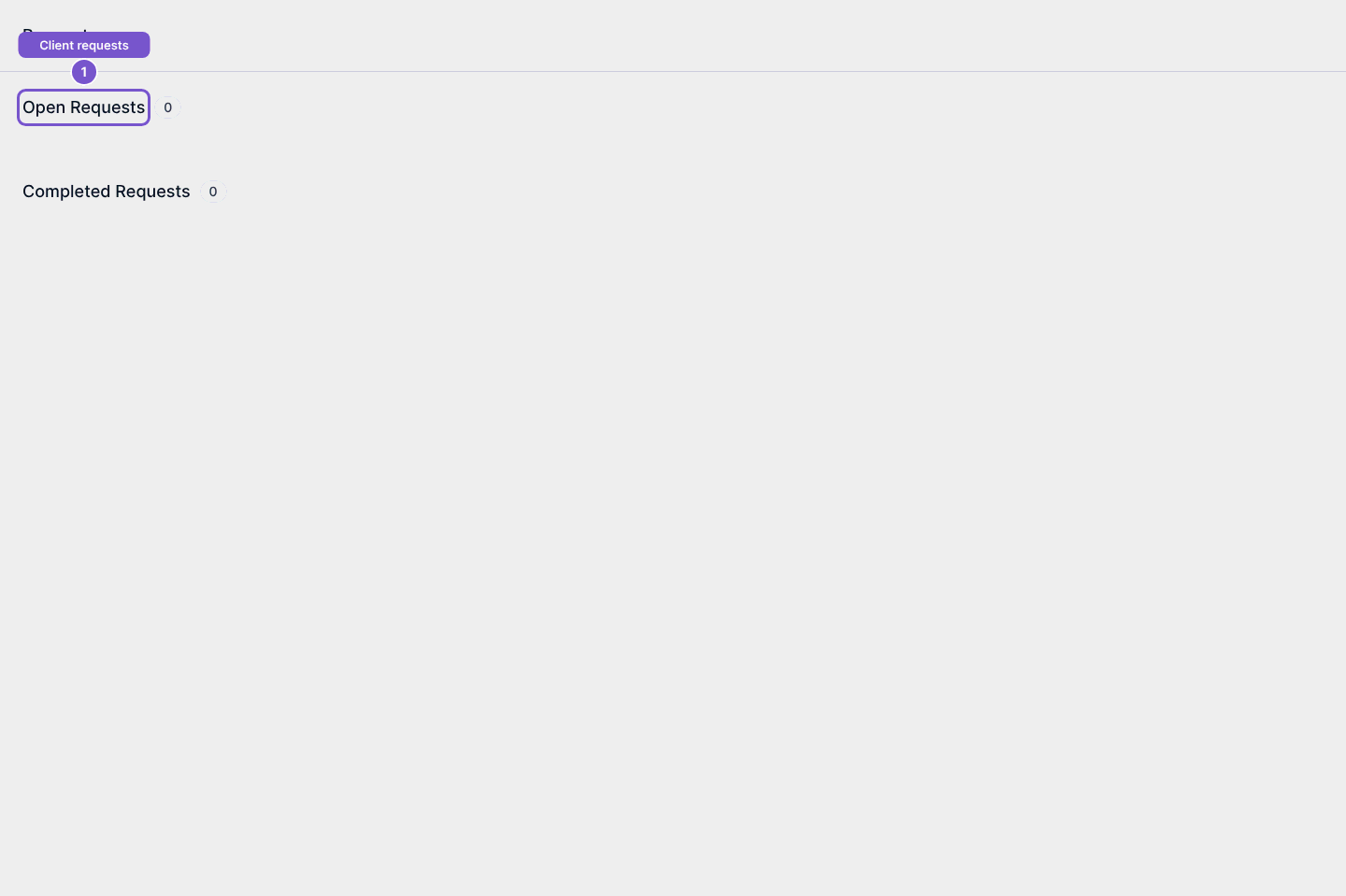
Requests separates work your accountant is still waiting for from completed requests.
Requests separates work your accountant is still waiting for from completed requests.
Find the request
- Open Requests in your client portal.
- Review Open Requests and Completed Requests.
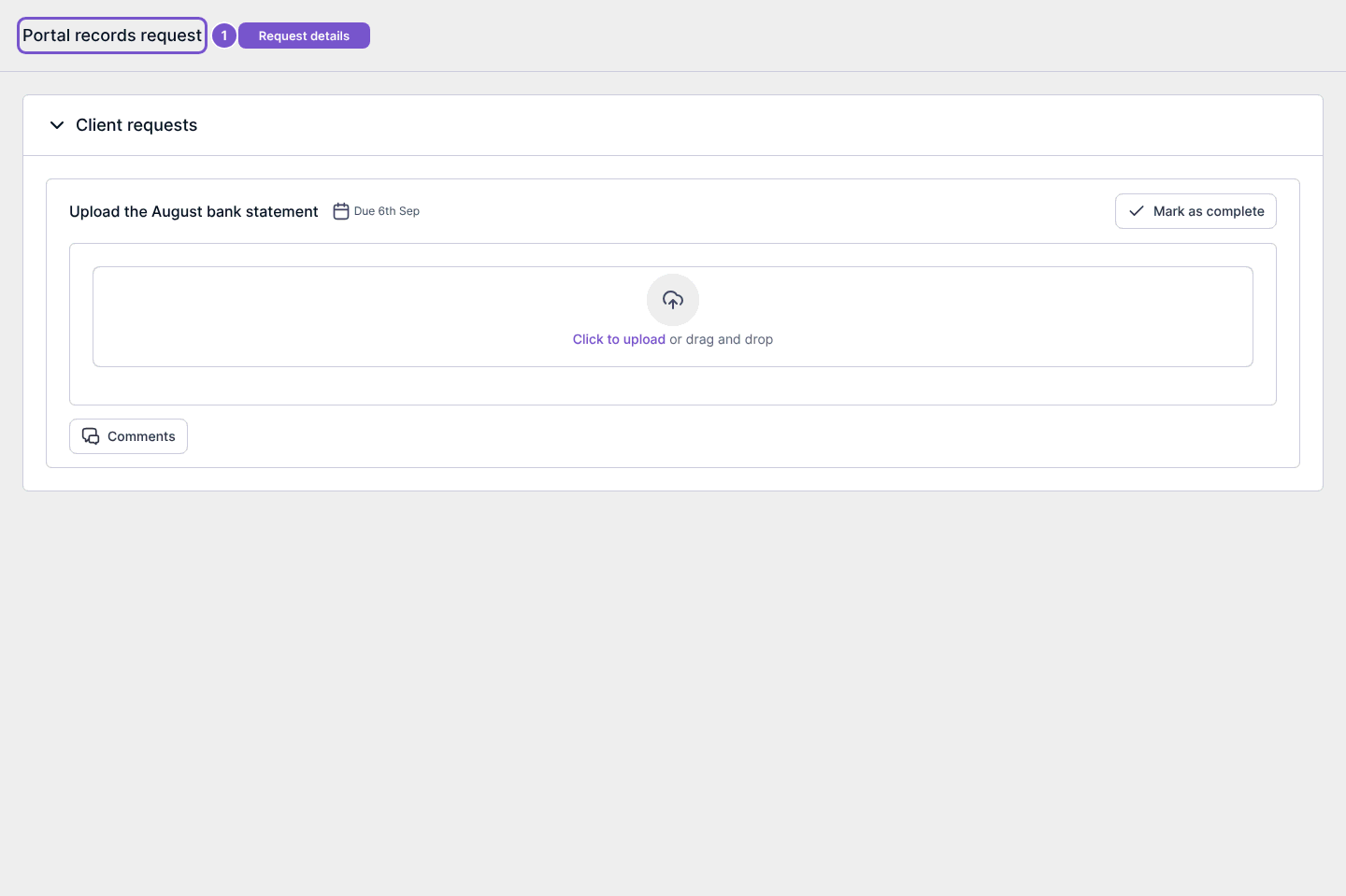
- Open the relevant request to read its details and the information being requested.
A request detail can include a due date, document upload area and comments. Reading it does not upload a document or mark work complete. Mark as complete is a separate action; do not use it merely to acknowledge that you have read the request.
If a request is missing, check the open and completed lists and confirm you are signed in to the account it was sent to.