Find your employee profile and self-service pages
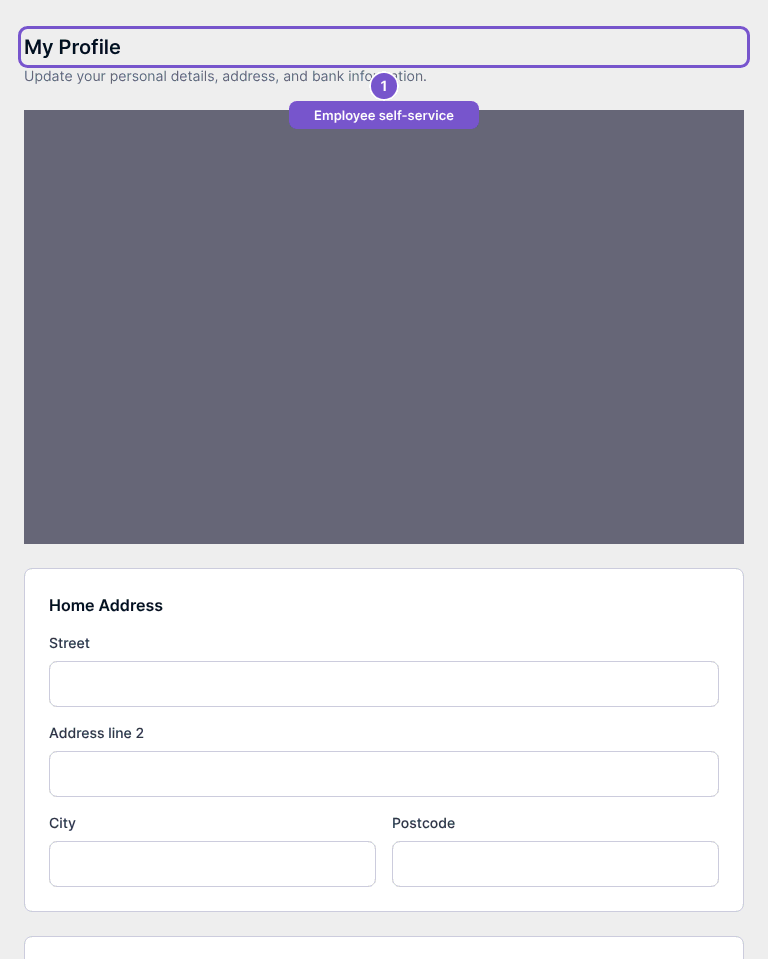
My Profile opens the personal profile associated with your employee login.
My Profile opens the personal profile associated with your employee login.
Review your profile
- Open My Profile in the employee portal.
- Review the profile and home-address information available to you.
- Use the separate payslip or time-off destination when you need those records.
Profile, payslip and time-off pages each require the appropriate employee access. Opening the profile does not change employee information or download a payslip. If the information belongs to a different employee, stop and ask the company to check your portal account.