Review your expenses and open a claim
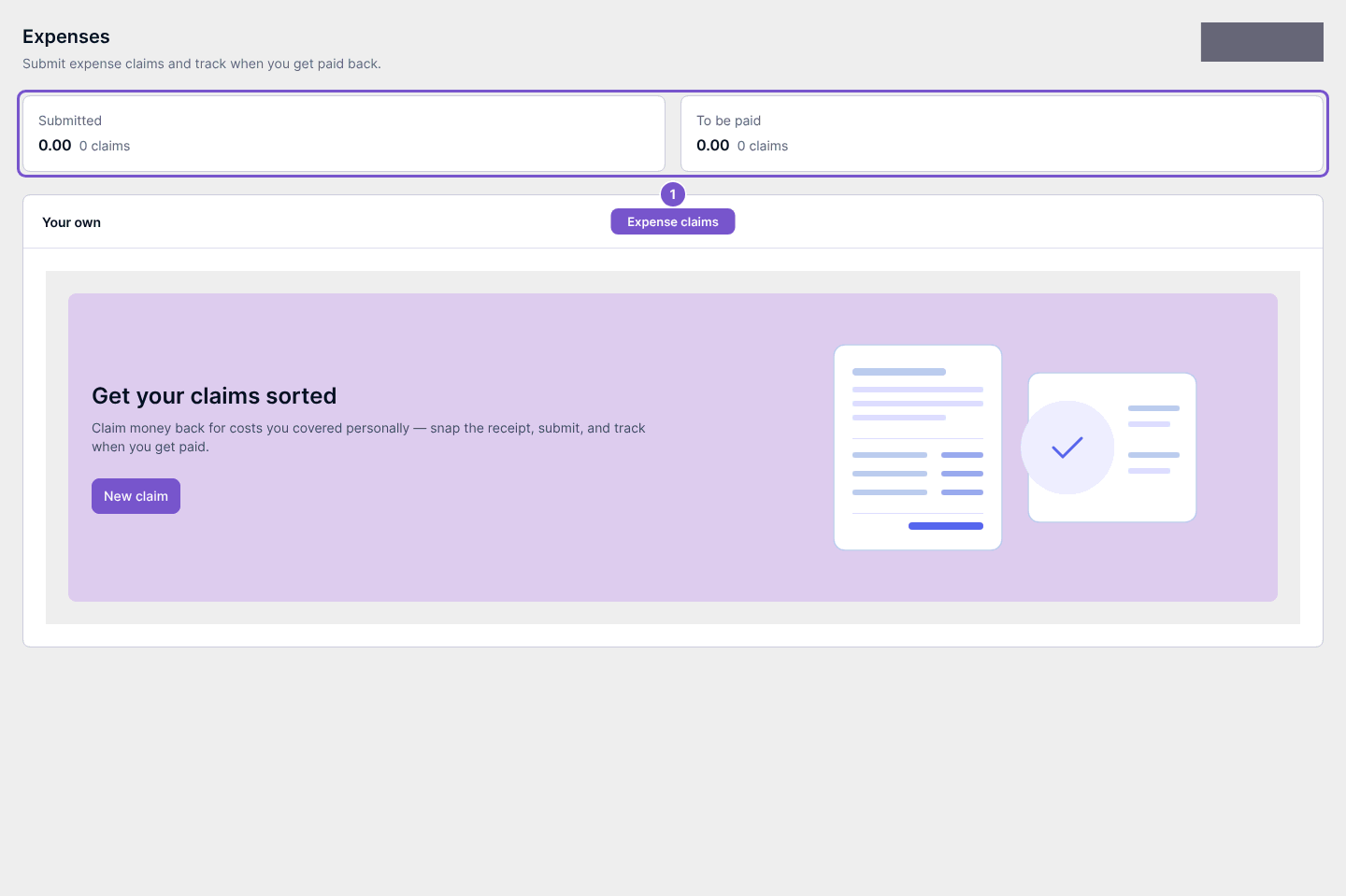
Expenses shows your own claims and reimbursement summary.
Expenses shows your own claims and reimbursement summary.
Review your claims
- Open Expenses in the employee portal.
- Review Submitted and To be paid to distinguish claims already submitted from amounts awaiting reimbursement.
- Review your own claims below the summary.
Open a new claim
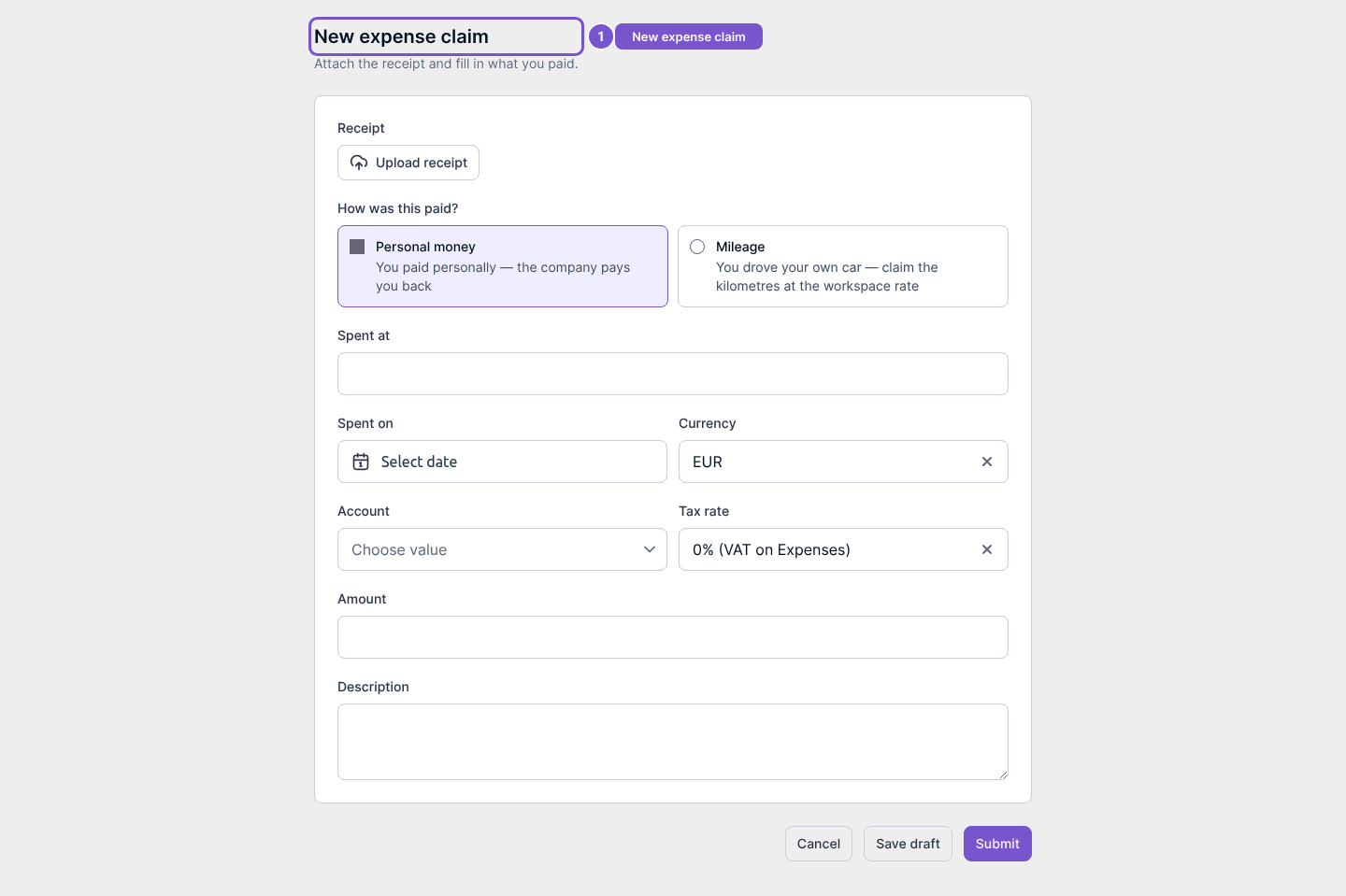
Use New claim to open New expense claim. The form has receipt and expense details, with separate Save draft and Submit controls. Opening the form does not upload a receipt, save a draft, submit a claim or change bank details.
If the page is unavailable, check that you are using your employee account and have expense-claim access. This article covers reviewing claims and opening the form; it does not confirm a reimbursement.